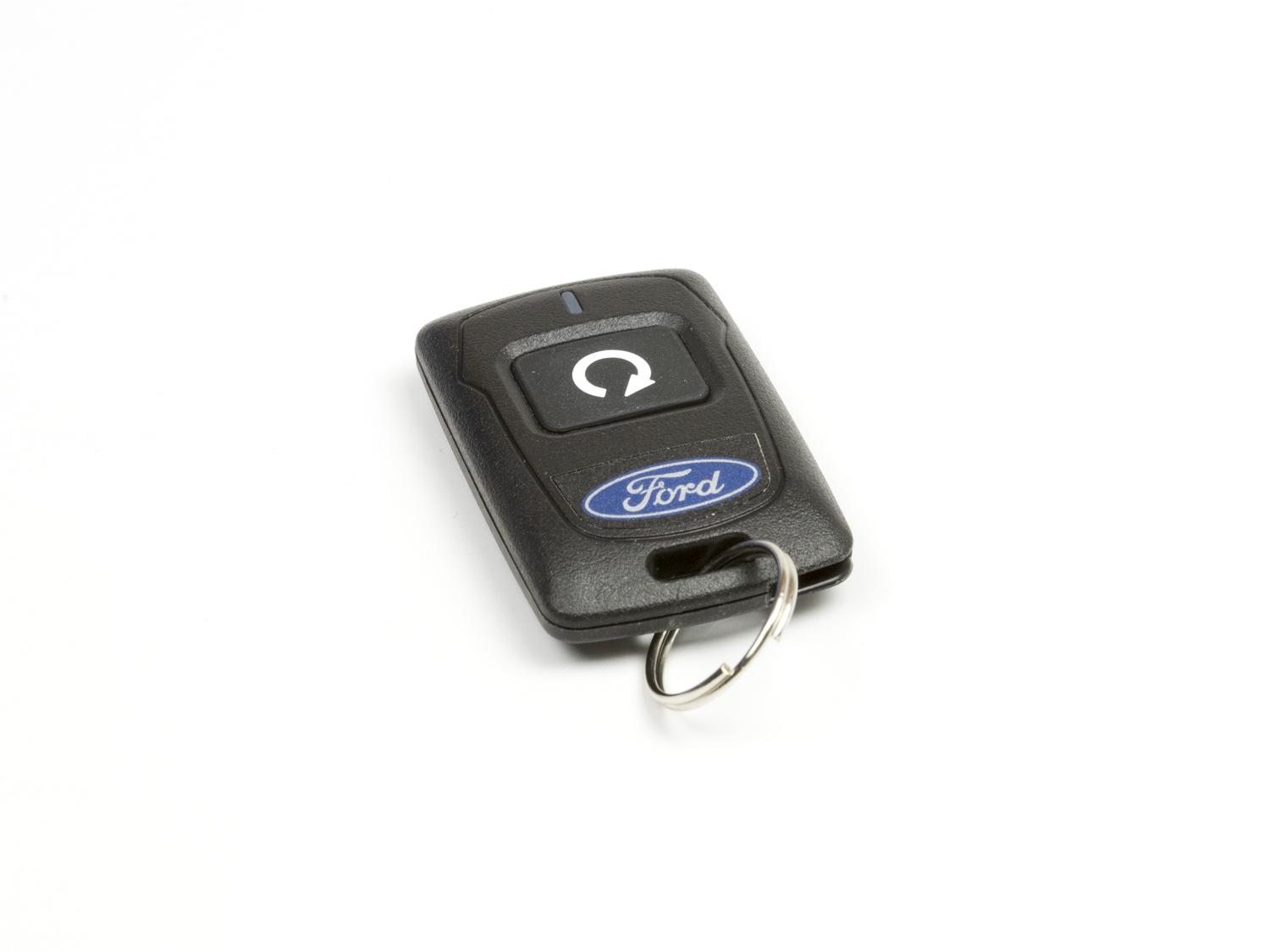
I have lost count of how many “my car is acting weird” complaints ended up being a tired key fob battery. The good news is that most fobs use a common coin cell, and you can swap it in a few minutes if you open the case the right way.
This guide walks you through the clean, no-drama method: pop the fob open without snapping the clips, match the battery type (like CR2032 or CR2025), install it with the correct polarity, and reseal everything so the buttons feel normal again.
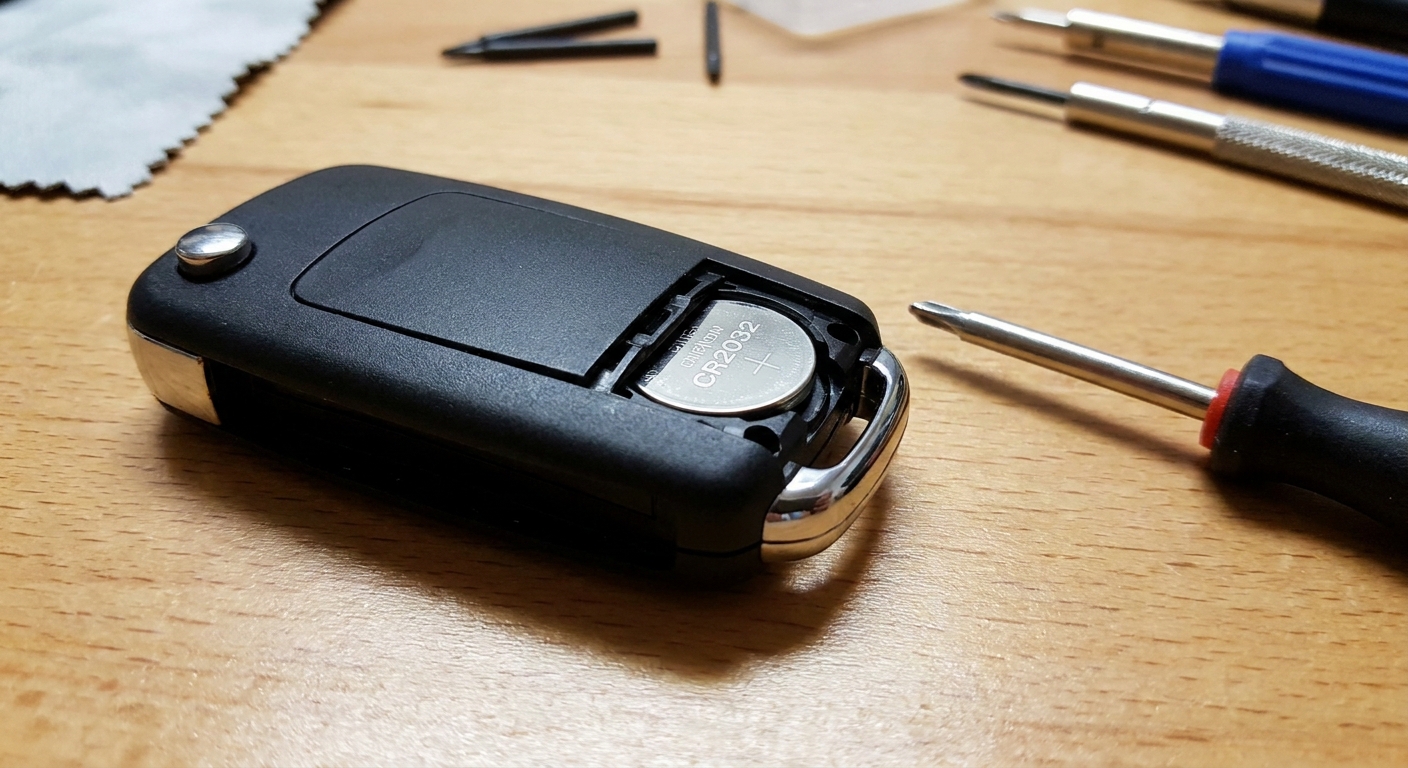
Before you start
You do not need a full toolbox for this, but you do want the right little items so you do not gouge the plastic or bend contacts.
What you need
- Replacement coin-cell (common types:
CR2032,CR2025,CR2016) - Small flathead screwdriver or a plastic pry tool
- Good lighting, and a table so tiny parts do not disappear
- Optional: a small Phillips screwdriver (some fobs use a screw)
- Optional: rubbing alcohol and a cotton swab for grime on the contacts (use sparingly and let it dry fully)
Quick tip from the shop: Wipe your hands first and handle the new coin-cell by the edges. Finger oils and grime can contribute to poor contact, especially if the terminals are already a little dirty.
Safety note: Coin-cell batteries are a serious ingestion hazard. Keep them away from kids and pets, and recycle or dispose of the old battery properly.
Step 1: Confirm the battery type
Do not guess the size based on a forum thread. Even within the same brand, different trims and model years can use different fobs.
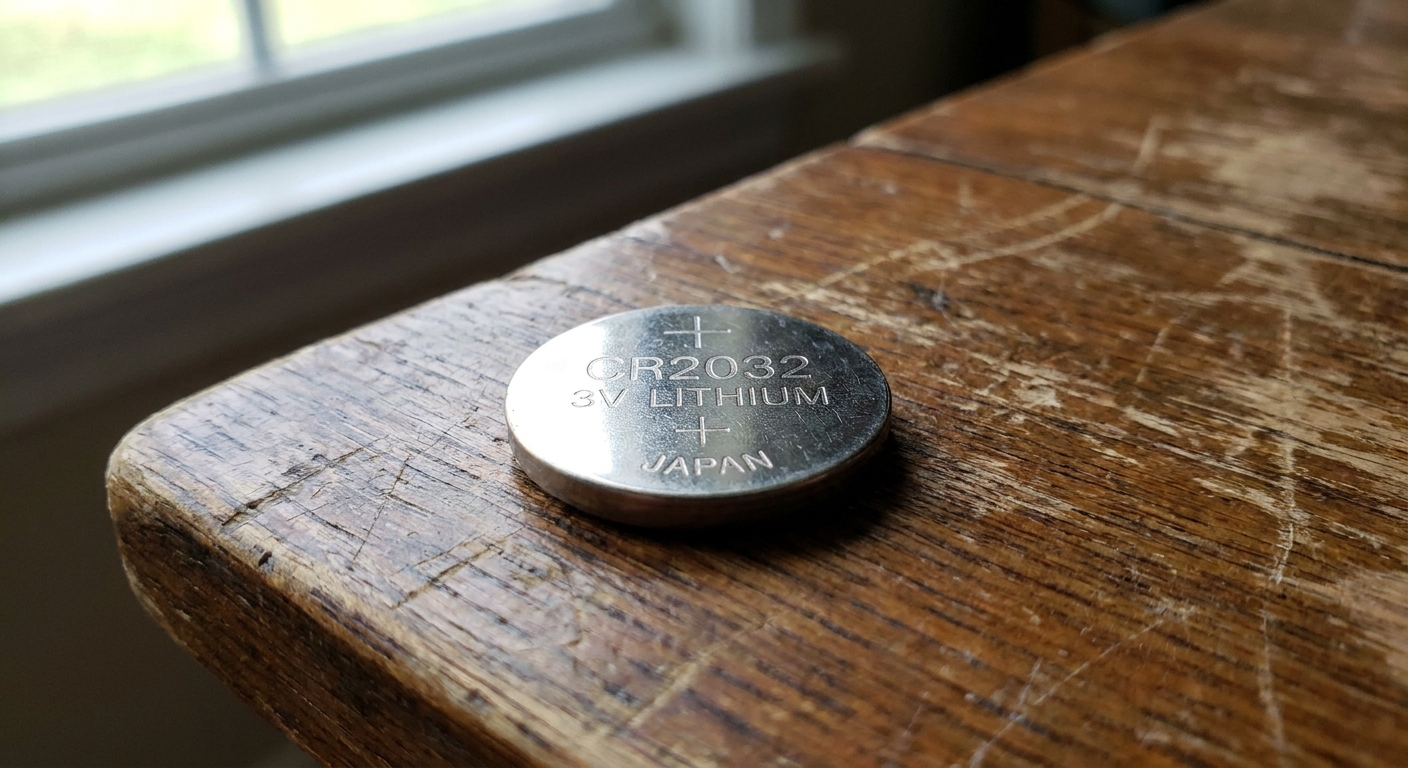
- If your fob has been opened before, the battery type is stamped right on the coin-cell, for example
CR2032. - If you have not opened it yet, check your owner’s manual “Keyless entry” section, or look up your exact model year and key fob FCC ID (often printed on the back of the fob or inside the case).
CR2032 vs CR2025 matters: they are the same diameter but different thickness. Forcing the wrong thickness can bend the spring contact or keep the case from sealing.
Step 2: Open the key fob
The number one mistake I see is jamming a screwdriver into the seam and twisting like it is a paint can. Key fob plastics are tough, but the internal clips are not.
Common designs
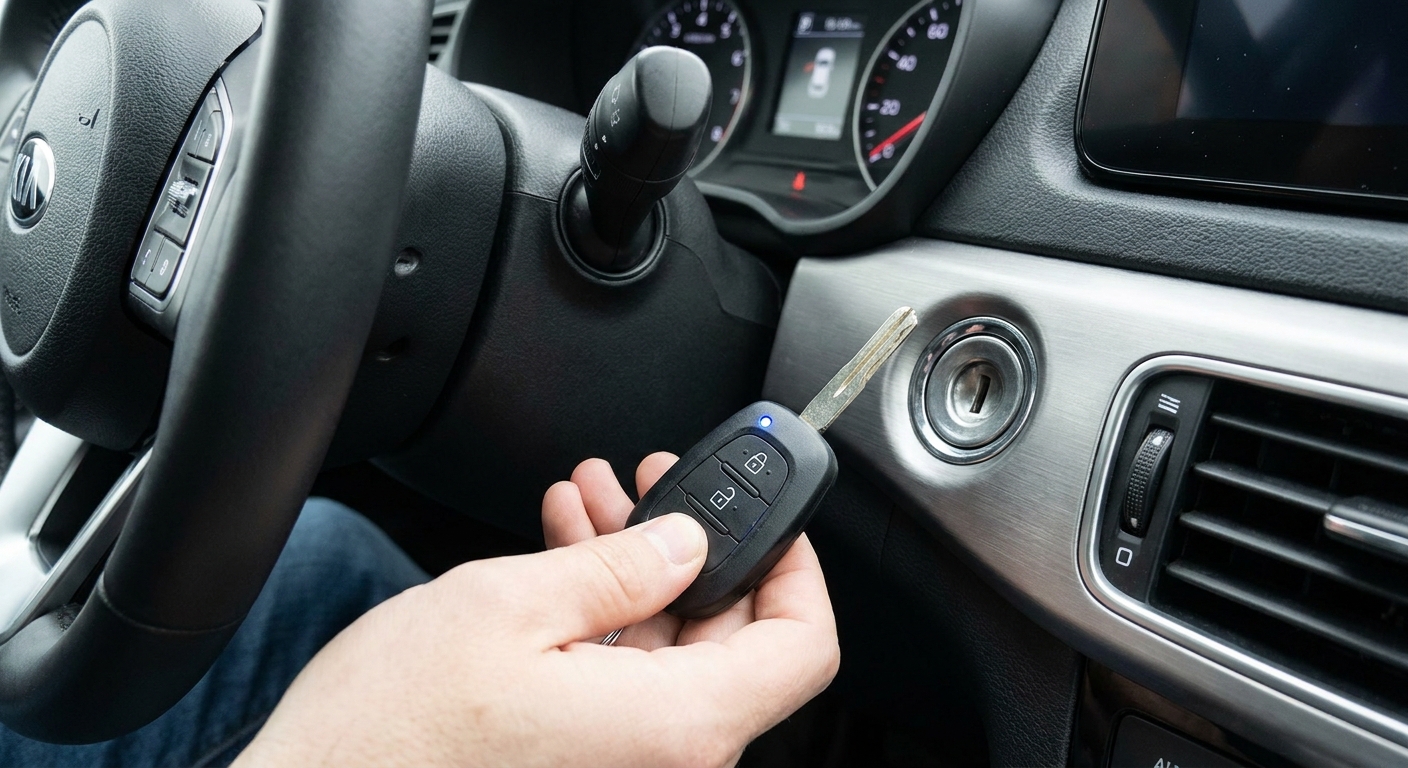
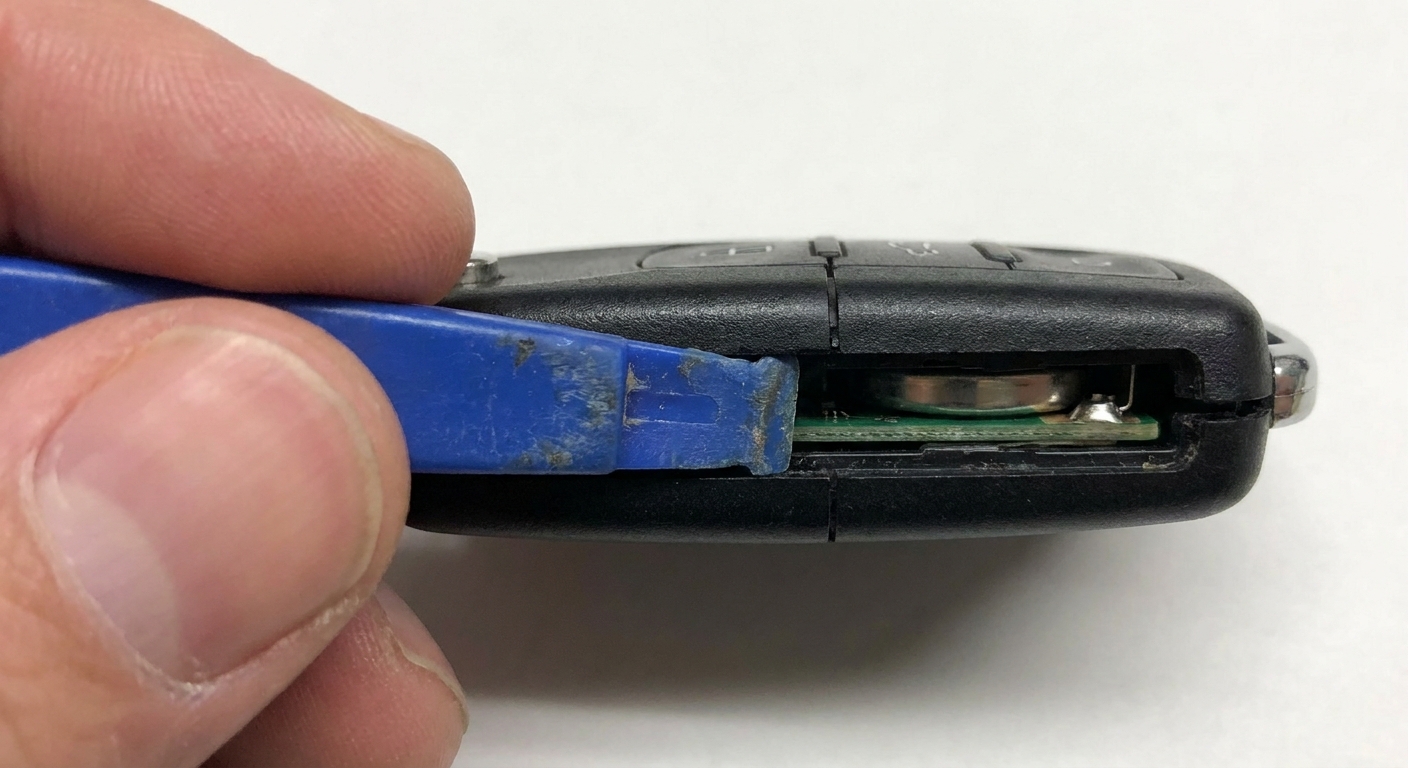
- Mechanical key release style: Many fobs have a small latch to slide, which releases an emergency metal key. Once the metal key is out, there is usually a notch where that key, or a small flathead, can gently pry the case open.
- Coin slot style: Some fobs have a clear pry slot. Insert a flat tool and twist slightly until the halves separate.
- Screw style: Less common, but some have one small screw. Remove the screw first, then pry at the seam.
- Two-piece shell style: Some designs make you separate the remote half from the key shell first, then pop open a smaller inner cover or tray to reach the battery.
Safe pry method
- Find the notch or designated pry point. It is often near the key release area.
- Insert a plastic pry tool if you have one. If using a flathead, wrap the tip with a single layer of tape to reduce marring.
- Apply gentle twisting pressure until you hear or feel the first clip release.
- Work your way around the perimeter, releasing clips one by one. Do not try to hinge the whole thing on a single clip.
If it is not opening, stop and reassess. You may be prying at the wrong point, or there may be a hidden screw under a badge or sticker.
Step 3: Remove the old coin-cell
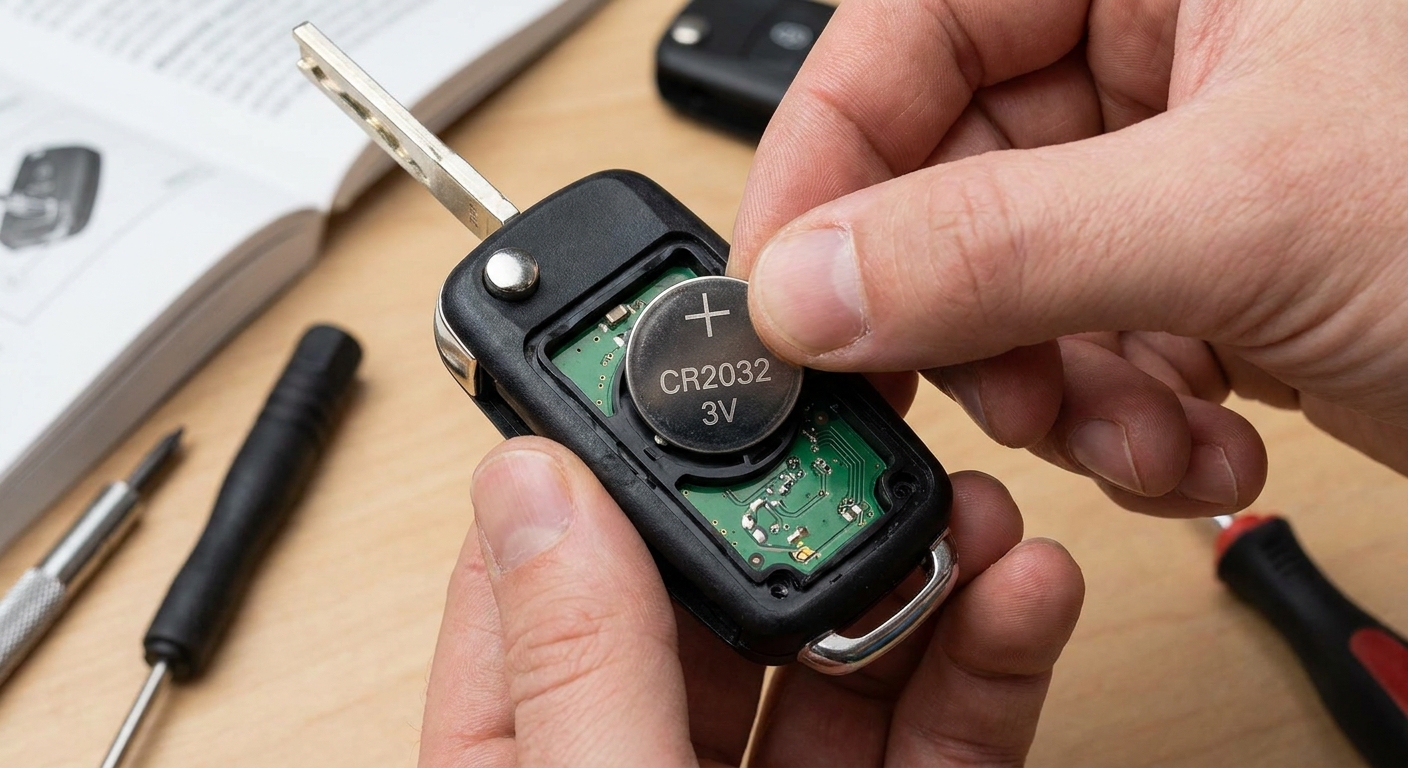
Once the case is open, you will see the coin-cell either sitting in a tray or held under a small spring clip.
- Use a fingernail or plastic tool to lift the battery edge out.
- If there is a spring contact, do not pry against it hard. Bend that contact and you can create an intermittent connection.
- Note the battery orientation before you pull it. I like to take a quick phone photo for reference.
- If a tiny retainer clip or spring shifts, do not panic. Work over a table, take another photo, and put it back exactly the way it came out.
Step 4: Install the new battery
This is the part that trips people up because coin-cells look symmetrical. They are not.
- The side with the “+” marking is the positive side.
- Most fobs install the battery with the positive side facing up, but not always. Match what you removed.
Press the new battery into place until it sits flat and secure. If it rocks, is crooked, or takes force, you may have the wrong size battery or a bent contact.
Step 5: Snap the case closed
Some fobs have a thin rubber gasket for water resistance. Make sure it is seated properly in its channel before closing. If it is pinched, the fob may not fully snap together.
- Line up the two halves carefully.
- Press along the edges until you hear each clip snap back into place.
- If your fob uses a screw, reinstall it snugly and do not overtighten.
- Reinsert the mechanical key if you removed it.
What “right” feels like: the seam is even all the way around, the buttons have a crisp click, and nothing rattles when you shake the fob gently.
Step 6: Test it
Do a quick functional check before you walk away from the workbench:
- Lock and unlock from a few feet away
- Trunk release (if applicable)
- Panic button (briefly)
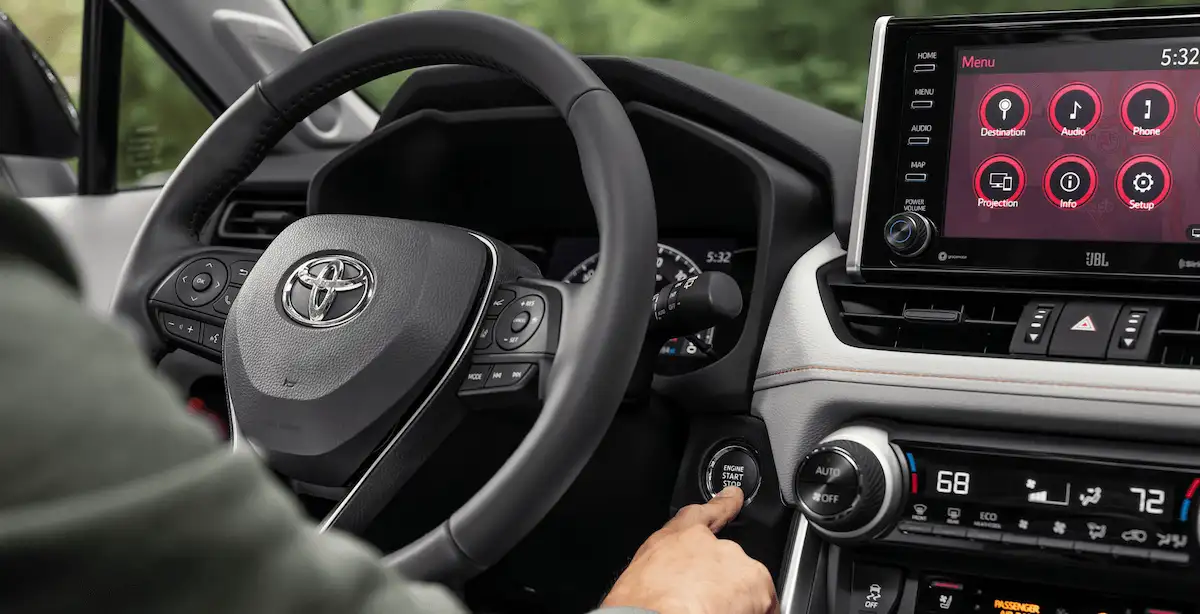
- Push-button start recognition: with the fob in the cabin, confirm the car says “key detected” and starts normally
If range still feels weak, try another brand-new battery and confirm it is the correct model number. I have seen fresh-from-the-store coin-cells that were old stock and already low.
If your car starts but the buttons act dead, some vehicles have a backup pickup coil in the cabin. Holding the fob right next to the start button, or the marked key symbol area, can help during diagnosis.
Common problems
The fob will not open
Look again for a hidden mechanical key release and a pry notch. If there is truly no notch, check for a tiny screw. If it still will not budge, a dealer or locksmith can pop it open in seconds without damage.
The case will not snap shut
- Double-check battery thickness (CR2032 vs CR2025 is a common mix-up).
- Make sure the rubber gasket is not pinched.
- Confirm the circuit board is seated flat and not misaligned.
Buttons feel mushy
Often the rubber button pad shifted during reassembly. Open it back up, align the pad, and close it evenly.
Range is still bad
That can be a weak battery, but it can also be interference, damage inside the fob, or the vehicle’s receiver or antenna circuit acting up.
What a new battery will not fix
Swapping the coin-cell solves a lot, but not everything. If your fob still will not behave after a correct battery install, here are common culprits a battery will not cure:
- Broken key fob buttons or worn rubber contacts
- Damaged fob circuit board from water intrusion or drops
- Vehicle antenna or receiver issue (the car cannot hear the fob reliably)
- Immobilizer problems (the security system is not authorizing start)
- Pairing or programming faults after a replacement fob or module work
- Dead car 12V battery (on many vehicles, especially hybrids and EVs, a weak 12V can cause all kinds of key detection weirdness)
If your fob battery is dead and you just need to get moving, see our guide on how to start a car with a dead key fob battery. And if your vehicle uses a start button, our walkthrough on push-button start systems explains what the car is actually looking for when it says “key not detected.”
Quick FAQ
Do I need to reprogram the fob?
Usually, no. A standard coin-cell swap does not erase programming. If the fob stops working immediately after the swap, suspect the wrong battery type, reversed polarity, a bent contact, or a fob that was already failing.
How long does a key fob battery last?
Often 2 to 4 years, but it varies. Proximity or passive entry fobs can run through batteries faster, especially if the fob stays close to the vehicle and the system does periodic wake-ups on some vehicles.
Is it okay to touch the new coin-cell?
It is not the end of the world, but it is better to handle it by the edges. If you smudged it, wipe it lightly with a clean, dry cloth.
Can I substitute a CR2025 for a CR2032?
Do not substitute. The wrong thickness can cause poor contact or a case that will not close. Get the correct battery and save yourself the second teardown.