I have lost count of how many times a car has rolled into my bay with this exact complaint: “Ben, the fob works, I just changed the battery, but the push-button start won’t do anything.” The dash lights up, the radio plays, you can even unlock the doors, yet the engine acts like it has never met you before.
If you already know the coin cell in the key fob is good, the next step is to stop treating this like a “dead fob” problem and start thinking about the start authorization chain. On most push-button cars, the vehicle needs to confirm a few things before it will crank: it has to see the fob inside the cabin, it has to see the brake pedal pressed (or clutch on a manual), it has to accept the request from the start button, and the control modules that make those decisions have to have solid power and ground.
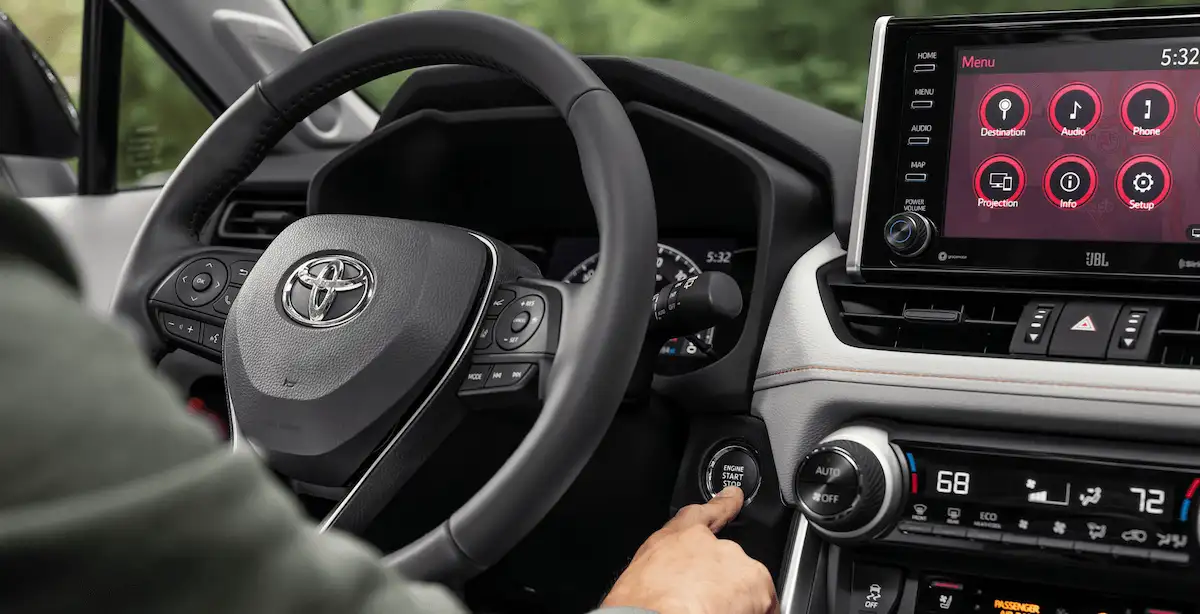
What “fresh fob battery” actually rules out
A new coin cell mostly rules out weak transmit power from the fob. It does not rule out:
- The car not receiving the fob signal due to a proximity antenna issue.
- The car refusing to start because it is not seeing the brake switch input.
- A start button that is not sending a clean signal to the body module.
- Low system voltage or a power feed issue to the smart key module, BCM, or related fuses.
That is why you can still have a no-start even if locks and lights behave normally. Unlocking uses a different pathway than authorizing a start on many models.
First, note what the car does when you press the button
Before you grab tools, do a quick, calm observation check. It narrows the search fast.
Common patterns
- No reaction at all (no click, no dash change): often brake switch input missing, start button fault, or a module power issue.
- Accessory mode only (radio comes on, but no crank): often brake switch input missing, or the car does not think the fob is inside.
- Single click or repeated clicking: possible low 12-volt voltage, poor battery connection, or starter relay power issue. Push-button cars still rely on old-school 12-volt basics.
- “Key not detected” message: points toward proximity antenna, wiring, or the smart key receiver module rather than the fob battery.
- “Press brake to start” message even while pressing: strongly suggests brake switch input or adjustment problem.
Write down the exact message if one appears. Those words are essentially the car telling you which part of the chain it is missing.
Brake-pedal switch: the most common “everything powers up but won’t start” cause
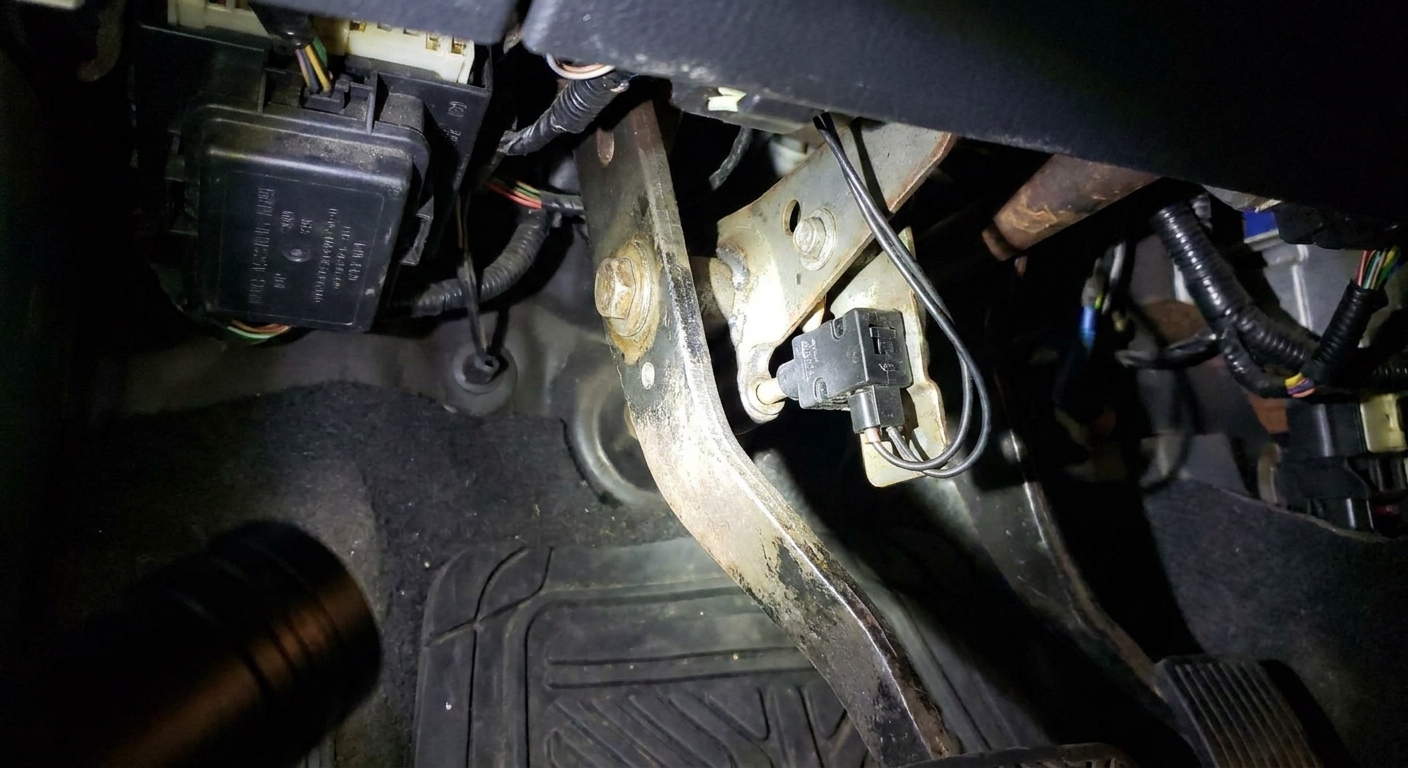
In a push-button setup, the brake switch is the bouncer at the door. No confirmed brake input, no start authorization. I have replaced a lot of brake light switches that failed in sneaky ways: the brake lights worked, but the “start authorization” circuit inside the switch did not, or vice versa.
Quick checks you can do in the driveway
- Do your brake lights turn on reliably? Use a reflection in a garage door or have a friend watch. If brake lights do not come on, the switch, fuse, or wiring is suspect.
- Does the “P” (Park) or gear indicator look normal? Some vehicles also require a valid Park or Neutral signal, and the brake input and gear input are often evaluated together.
- Press the brake and watch the dash for a change in the “press brake” prompt. If the message does not change, the car is not seeing the brake input it needs.
More accurate test with a basic multimeter
If you are comfortable with a meter, you can back-probe the brake switch connector to confirm that the correct circuit changes state when the pedal is pressed. Many switches have multiple circuits. One feeds the brake lamps, another feeds the BCM or smart key module.
- Look for two separate outputs in wiring diagrams or connector pinout references for your model.
- Confirm battery voltage and ground are present at the switch where expected.
- Confirm the signal changes when the pedal is pressed, not just that the lights come on.
Adjustment matters
Some brake switches are adjustable or rely on correct pedal stop position. If the switch is slightly out of position, the car may think the brake is not pressed even when your foot is on it. If you recently had pedal work, a brake booster replacement, or interior work near the pedal, this shoots up the suspect list.
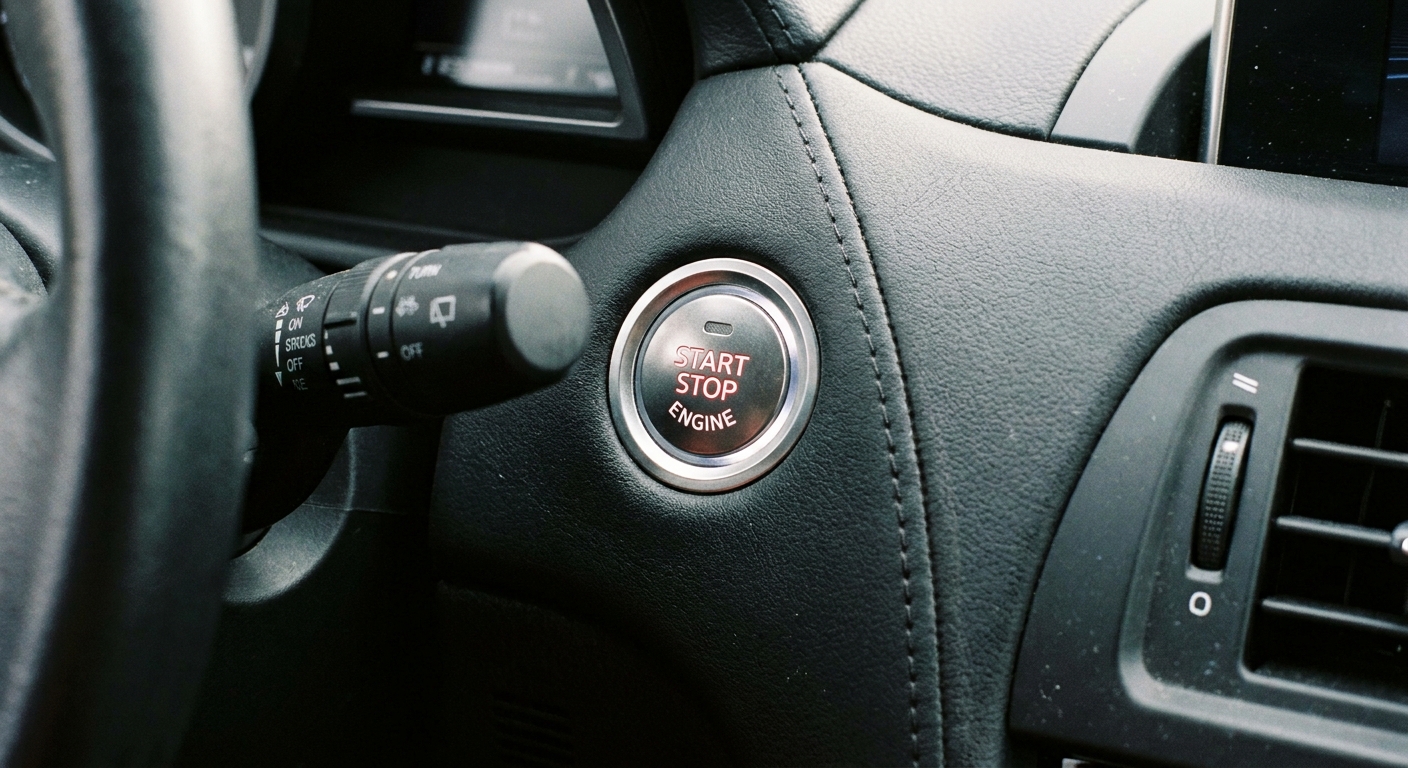
The start button itself can fail
Push-button start switches are simple on the outside and surprisingly busy on the inside. Depending on the vehicle, the button may contain:
- A momentary switch (or multiple detents)
- An illumination circuit
- A small PCB that talks to the BCM via a signal line
Failure modes I have seen include worn contacts, sticky button travel, internal illumination working but the “request” signal not reaching the module, and broken connectors behind the dash panel.
Signs the button is the problem
- The button feels different than it used to: mushy, sticking, not returning crisply.
- The car intermittently responds to repeated presses with the brake held.
- No change in dash status from OFF to ACC to ON when pressing without the brake (on many cars you can cycle modes without cranking).
How it is tested professionally
In the shop, the cleanest path is checking the button input in live data with a scan tool. If the BCM never sees “start button pressed” even though the button is physically being pressed, you are hunting a switch, connector, or wiring fault.
Proximity antenna and “fob not detected” problems
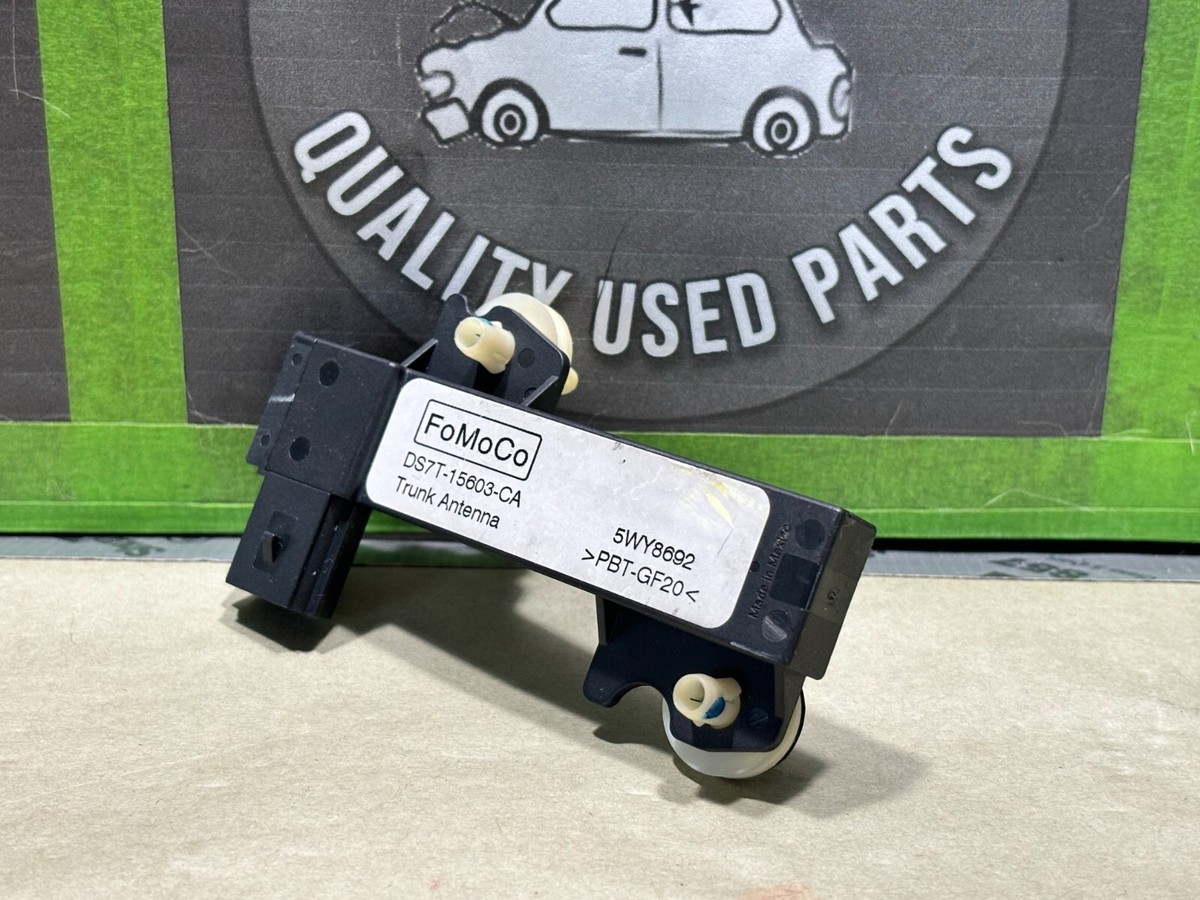
If the car starts acting like the fob is not in the cabin, even though it unlocks the doors, you may have a proximity antenna issue. Most smart key systems use multiple low-frequency antennas placed around the vehicle: common spots include the center console, front cabin, rear cabin area, and trunk area.
Unlocking from outside is often handled by door handle sensors and exterior antennas. Starting is usually tied to an interior antenna that confirms the fob is inside the car.
Clues you are dealing with an antenna or receiver issue
- “Key not detected” appears while you are sitting in the driver seat with the fob.
- The car works in one seat position but not another, or works when the fob is in a cupholder but not in a pocket. That kind of inconsistency often points to antenna location coverage issues, interference, or a weak antenna.
- It fails after interior work (stereo install, console removal, airbag recall work), where an antenna connector could have been left loose.
Interference is real
USB chargers, poorly shielded aftermarket electronics, and even some dash cams can create RF noise that makes smart key reception flaky. A quick test is to unplug aftermarket power accessories and retry starting. If the symptom changes, you just found a direction to investigate.
Module power and fuses: the unglamorous root cause
If the start authorization modules are not powered, nothing else matters. On push-button cars, there is typically a short list of players:
- BCM (Body Control Module)
- Smart key module (sometimes integrated into the BCM)
- Immobilizer control (may be separate or integrated)
- Start relay control circuit (may be inside a fuse box or integrated module)
A partial power loss can produce confusing symptoms. I have seen cars where the cabin electronics came alive, but one “small” fuse feeding the smart key receiver was blown. The result felt exactly like a fob problem even with a brand-new battery.
What to check
- 12-volt battery voltage: A weak battery can keep modules in brownout territory. Headlights and radio can still work when modules are unhappy. If you are below about 12.2V with the car off, charge and retest.
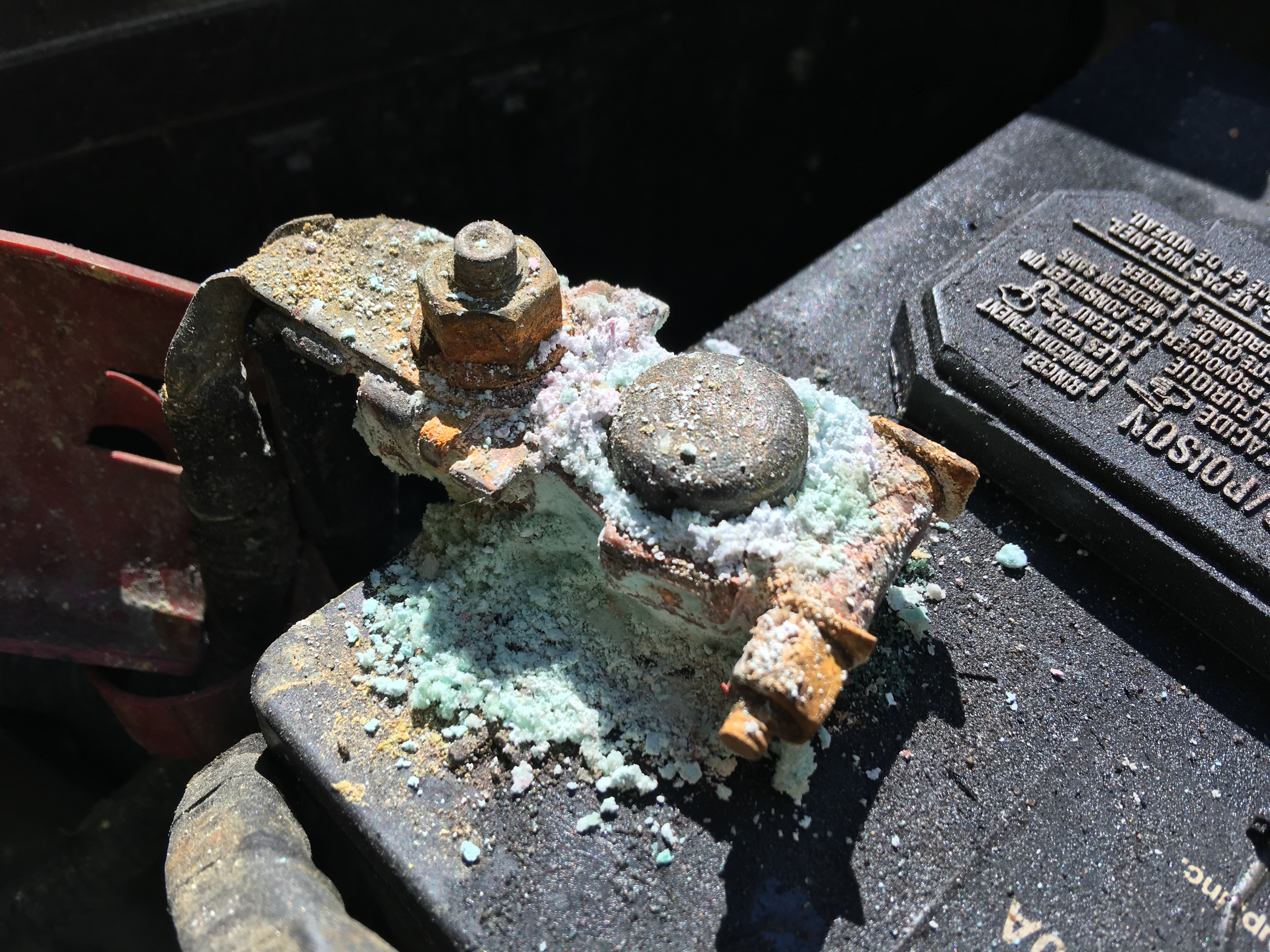
- Battery terminals: Loose or corroded terminals can cause voltage drop during start request, even if accessories seem fine.
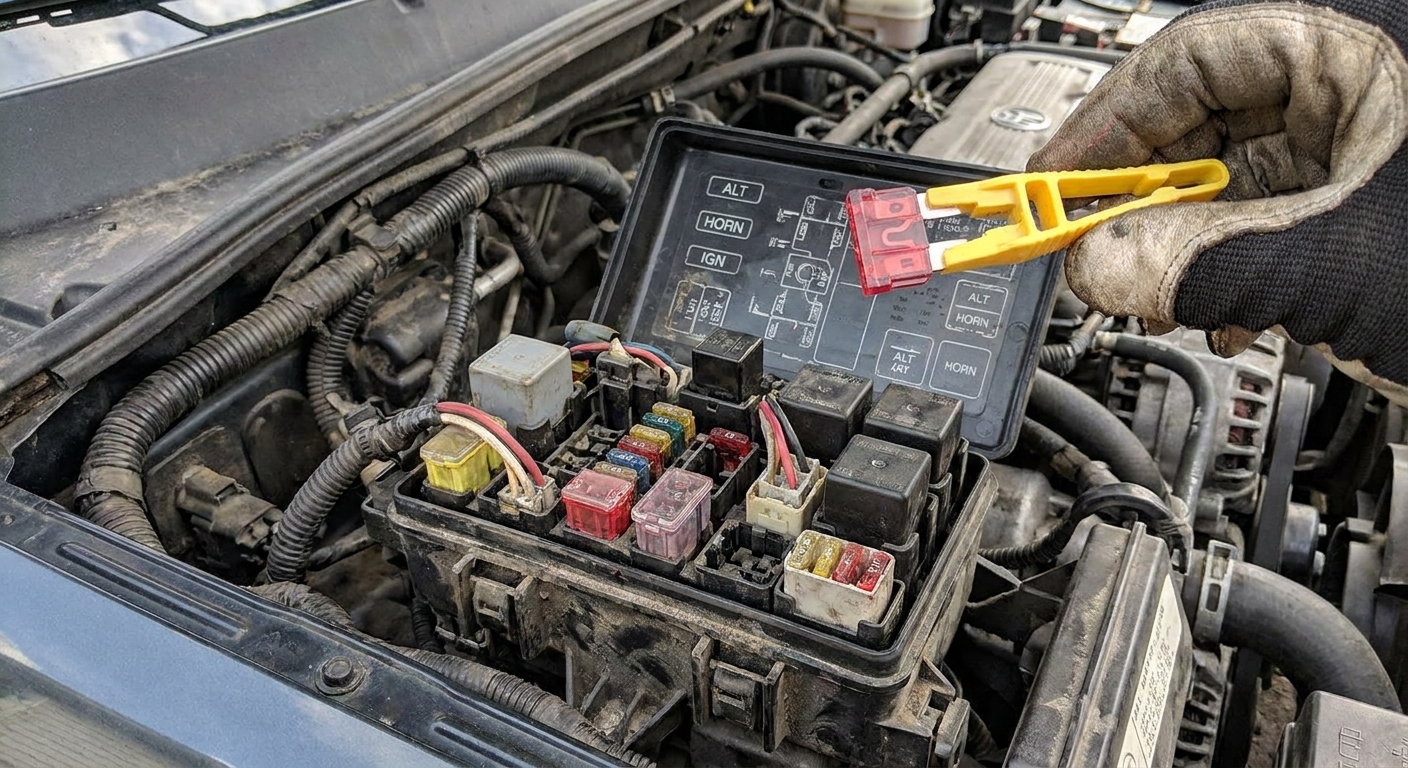
- Relevant fuses: Check both under-hood and interior fuse panels. You are looking for fuses labeled things like BCM, IG, START, SMART, KEY, IMMOBILIZER, or ECU. Labels vary by brand.
- Ground points: A poor ground near the dash or kick panel can knock out the smart key or BCM functions intermittently.
When a scan tool saves hours
Even a decent consumer scan tool that can access body codes can be a game changer here. Engine codes (P-codes) are often empty in a no-crank smart-key problem. You want body and immobilizer related codes and live data like brake switch status, key detection status, and start request status.
How this differs from a flashing security light problem
This is an important distinction because it changes the entire diagnostic path.
Push-button start fails even with a good fob battery
- The car may show messages like “Press brake to start” or “Key not detected”.
- Often points to brake switch input, start button input, proximity antenna, wiring, fuses, or module power.
- Can be intermittent and affected by interior work, low battery voltage, or connector issues.
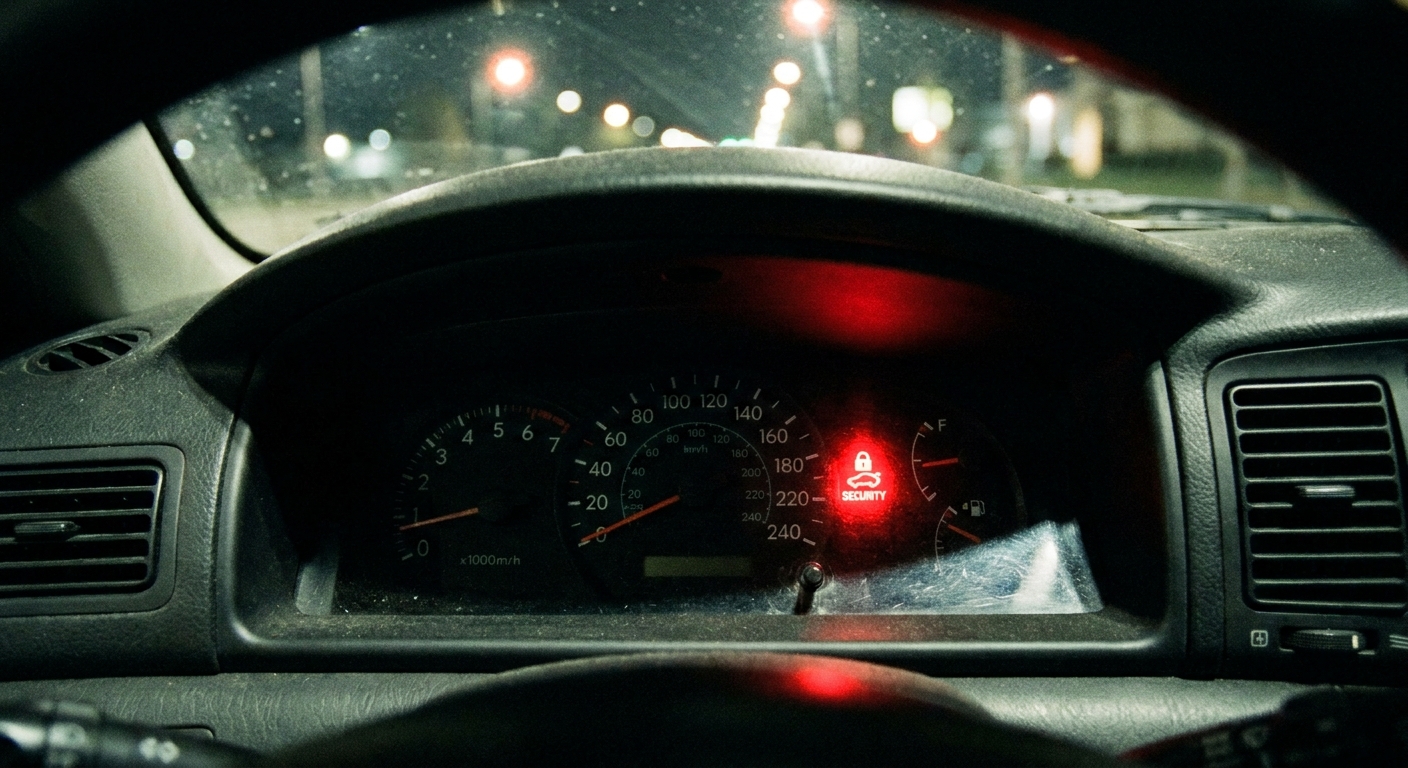
Security light flashing and no start
- A flashing security indicator during a no-start event often suggests the immobilizer is actively not authorizing starting.
- This can be caused by key registration issues, immobilizer faults, or communication problems between modules.
- The best next step is usually immobilizer-capable scanning, checking for related codes, and following manufacturer-specific procedures.
In other words, a flashing security light is more of an “authorization denied” story. A fresh-fob-battery push-button failure is often an “authorization inputs missing” story.
DIY triage checklist before you call a tow
If you are stuck in a driveway or parking lot, here is a practical order of operations that avoids guesswork and avoids the dead-fob emergency start procedure.
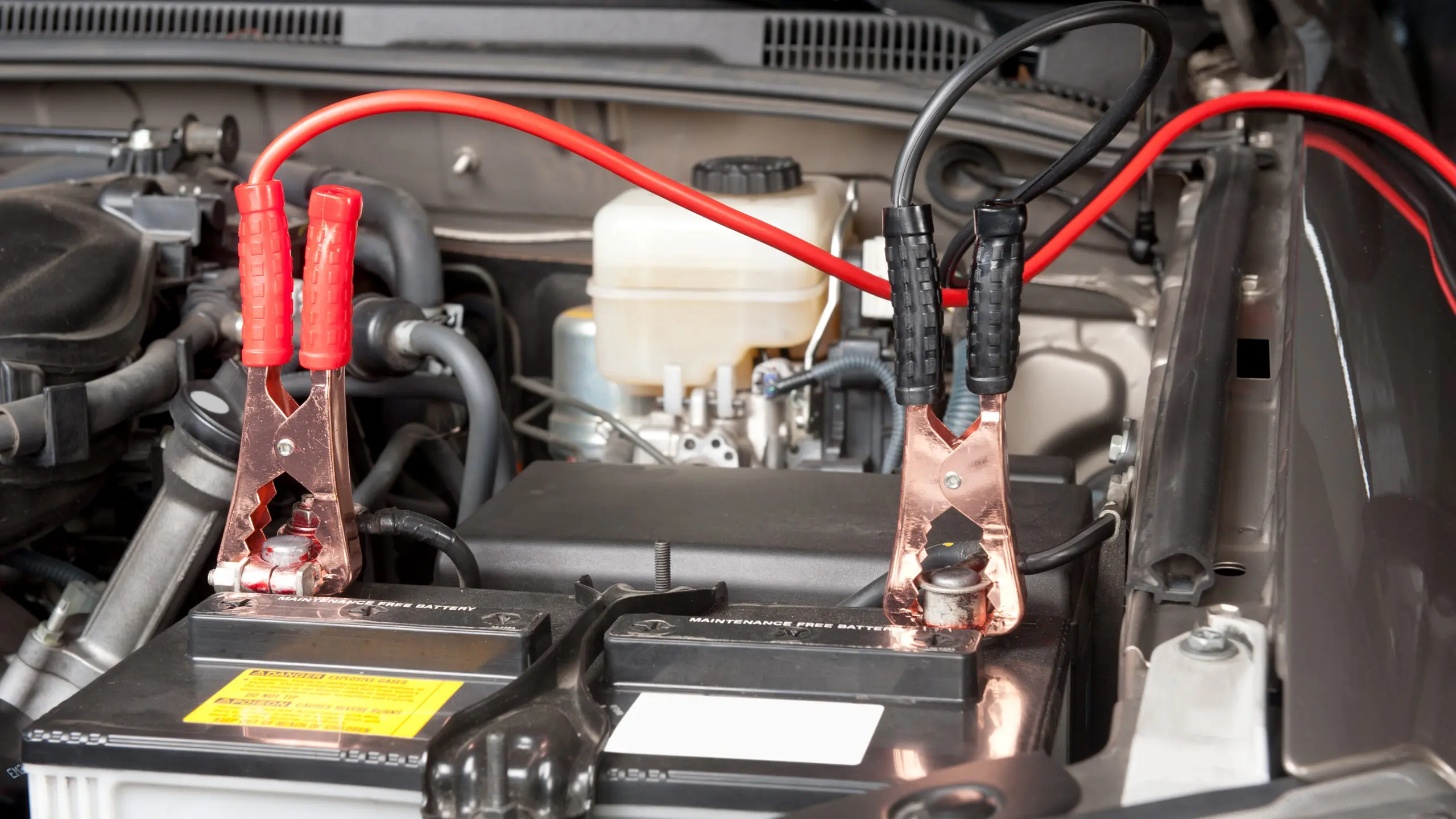
- Confirm the 12-volt battery is healthy (meter reading, or try a known-good jump pack).
- Watch for a brake input change: brake lights, dash prompts, and any “press brake” message behavior.
- Remove RF noise sources: unplug aftermarket chargers and accessories and retry.
- Try a second key fob if available. A “known good coin cell” does not always mean the fob electronics are perfect.
- Check fuses related to smart key/BCM/start in both fuse boxes.
- Note the exact message on the cluster and whether the security light is flashing.
If you do those steps and still have no crank, it is time for a scan tool that can read body and immobilizer systems, or a shop that has one. At that point you are paying for information, not parts roulette.
When to stop troubleshooting and get it serviced
I am all for DIY, but smart-key systems can get expensive fast when you guess. Consider calling a pro if:
- You have a flashing security light and the car will not start.
- You see water intrusion signs (damp carpet, musty smell, recent flood or heavy leak). BCMs hate moisture.
- The vehicle is stuck in an unsafe place and repeated attempts are draining the 12-volt battery.
- You already checked brake lights, battery voltage, and key detection messages and nothing adds up.
A good technician will verify brake switch input, start request input, and key detection in live data, then work backward through wiring, antennas, and module power feeds. That is the clean path.
FAQ
My lights and radio work. Does that mean the battery is fine?
Not necessarily. Accessories can work at lower voltage than what modules want during a start request. A weak 12-volt battery or poor connection can cause a no-crank with plenty of cabin power.
My brake lights work. Can the brake switch still be bad?
Yes. Many vehicles use a multi-circuit brake switch. One circuit can operate the brake lights while another circuit reports pedal position to the BCM or start authorization logic.
If it says “key not detected,” is it always the fob?
No. With a confirmed-good coin cell, think about the car side too: interior proximity antenna, receiver module, wiring, connector issues, or interference from aftermarket electronics.
Could the start button stop working completely?
Absolutely. The button can fail internally, its connector can loosen, or the signal circuit can develop an open. A scan tool that shows start request status makes this much easier to prove.