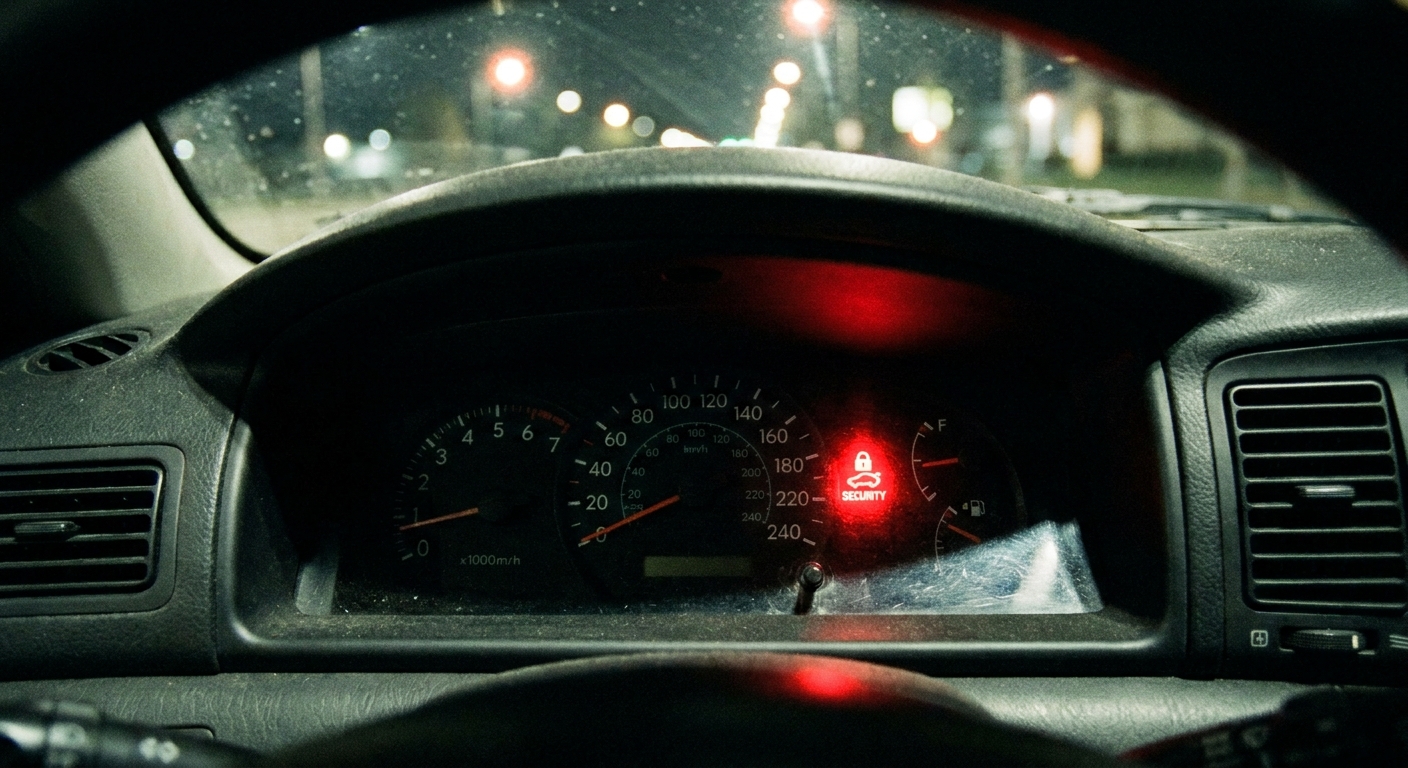
I have lost count of how many cars I have seen towed in for a “no-start” that turned out to be a key problem, not a starter problem. The dash lights come on, the radio works, you might even hear a click, but the immobilizer is quietly doing its job and refusing to authorize the start.
If you are holding a replacement key fob and wondering how to program it, here is the truth: some vehicles let you do it in the driveway, many do not, and using the wrong fob (especially a used one) is one of the fastest ways to waste money. I will walk you through what you can try at home, when you need a locksmith or dealer, and the common reasons programming fails.
Before you start: fob vs immobilizer
People use “program the fob” to mean a few different things. Your car may have one, two, or all three of these systems:
- Remote functions: lock, unlock, trunk, panic. This is the easiest part to program on many older vehicles.
- Keyless entry proximity functions: passive entry and push-button start detection. This requires a fob that is correctly registered to the vehicle.
- Immobilizer (transponder) authorization: the anti-theft system that decides whether the engine is allowed to start. This is the part that most often requires a dealer or locksmith tool.
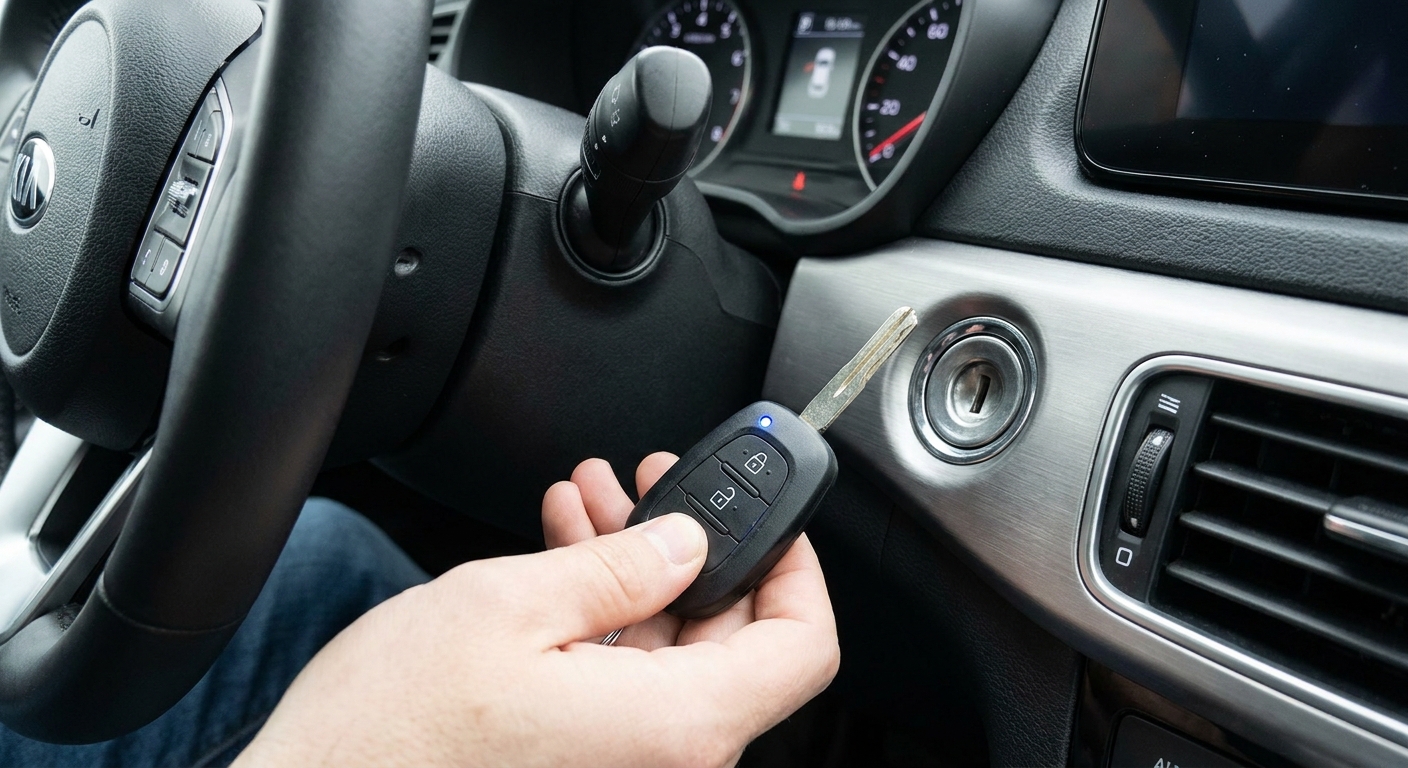
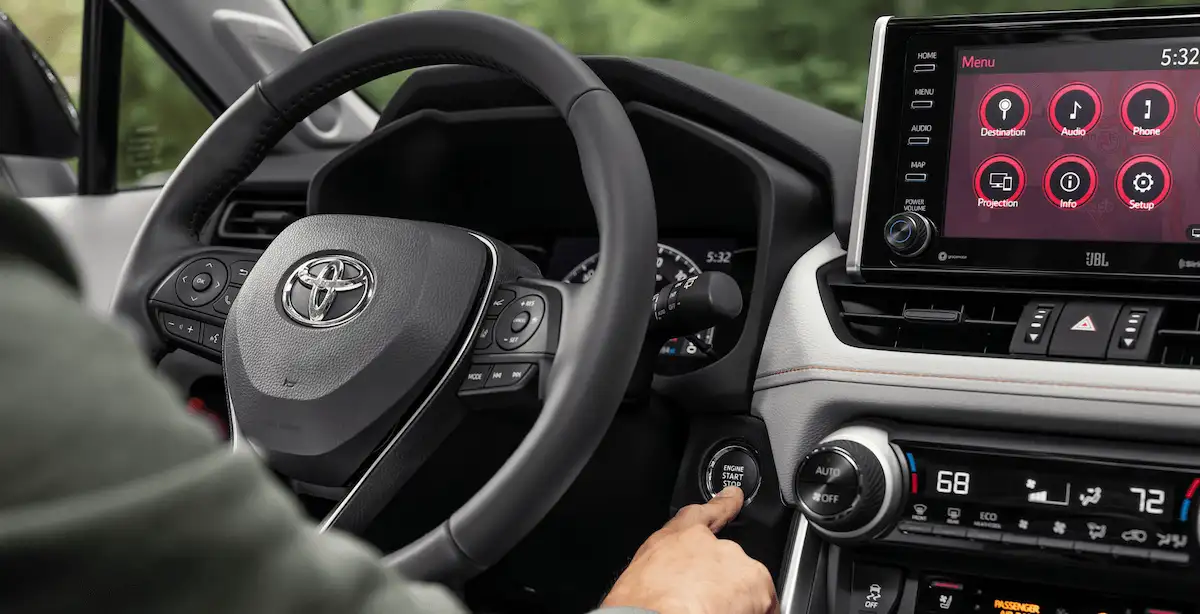
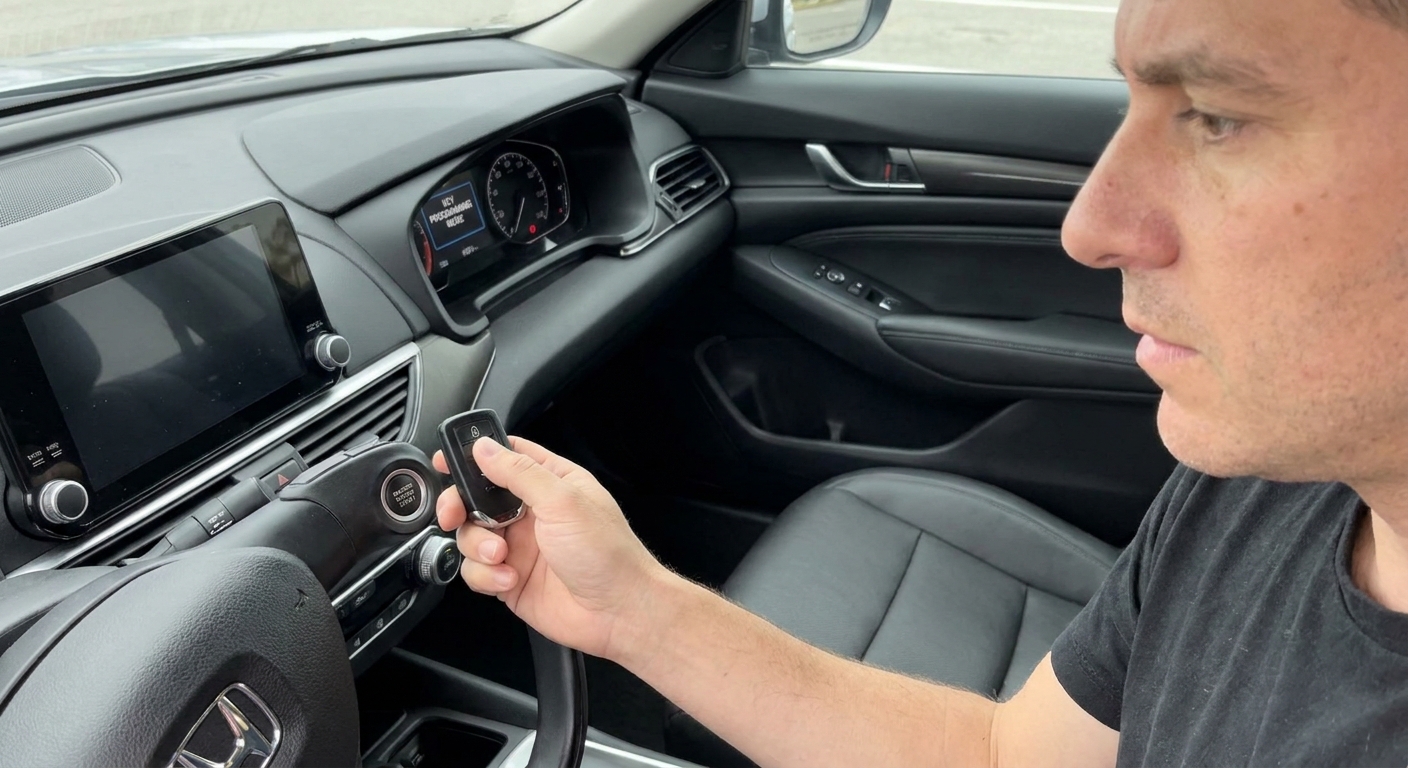
If you have a traditional metal key with a plastic head, there is often a small transponder chip in that head. If you have push-button start, you typically have a smart key fob that handles both proximity and immobilizer functions.
You might successfully program the buttons but still not be able to start the car if the immobilizer chip is not registered. That is why some DIY methods “sort of work” but do not solve the no-start.
Quick checklist
Before you chase a programming sequence, set yourself up for success:
- The correct fob for your exact vehicle: year, make, model, trim, and sometimes even production month matter.
- Where to find the identifiers: check the sticker or engraving on the back of the original fob (FCC ID, IC, part number). Some are inside the case once you split it. If you still have the box from an OEM fob, it is often printed there too.
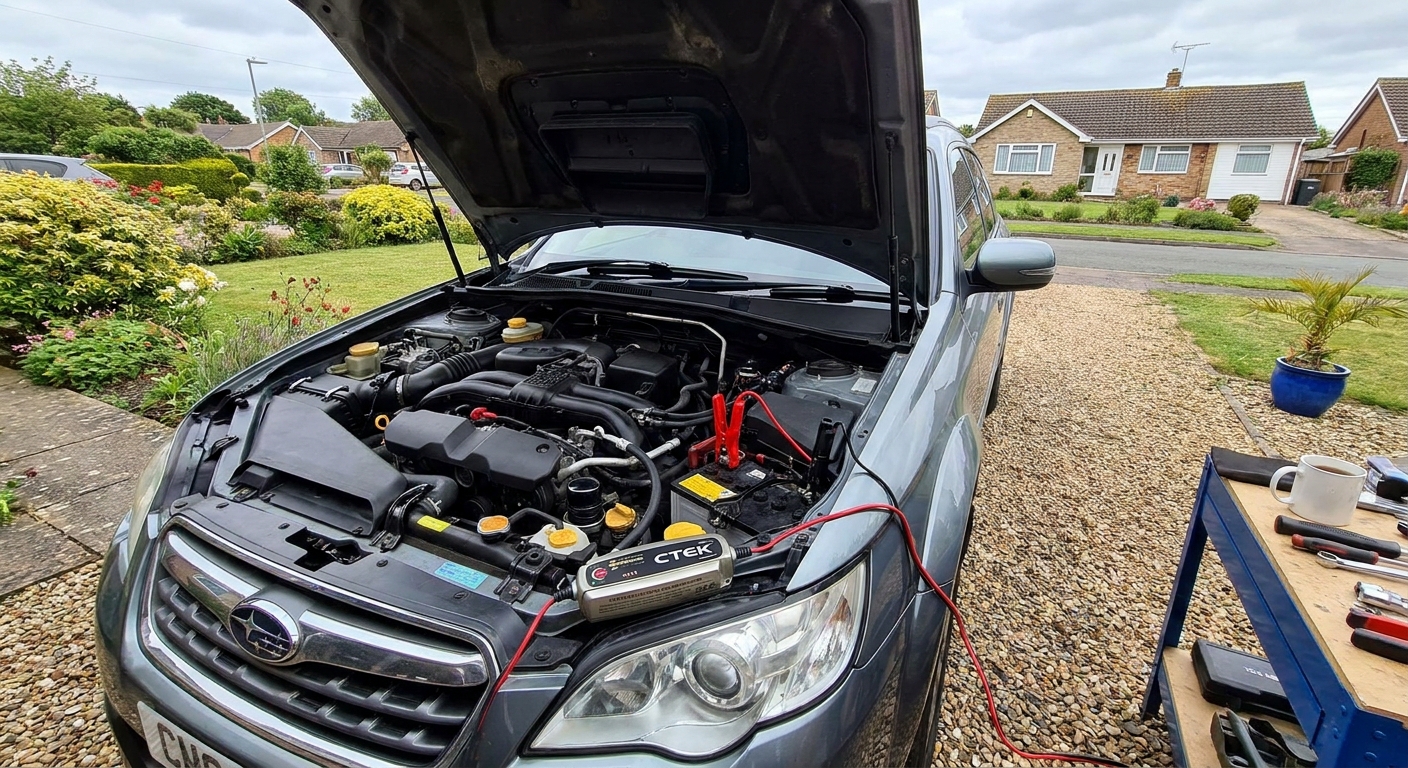
- A solid vehicle battery: low voltage is a top cause of programming failure. If the battery is old or the car has been sitting, put it on a charger or maintainer first.
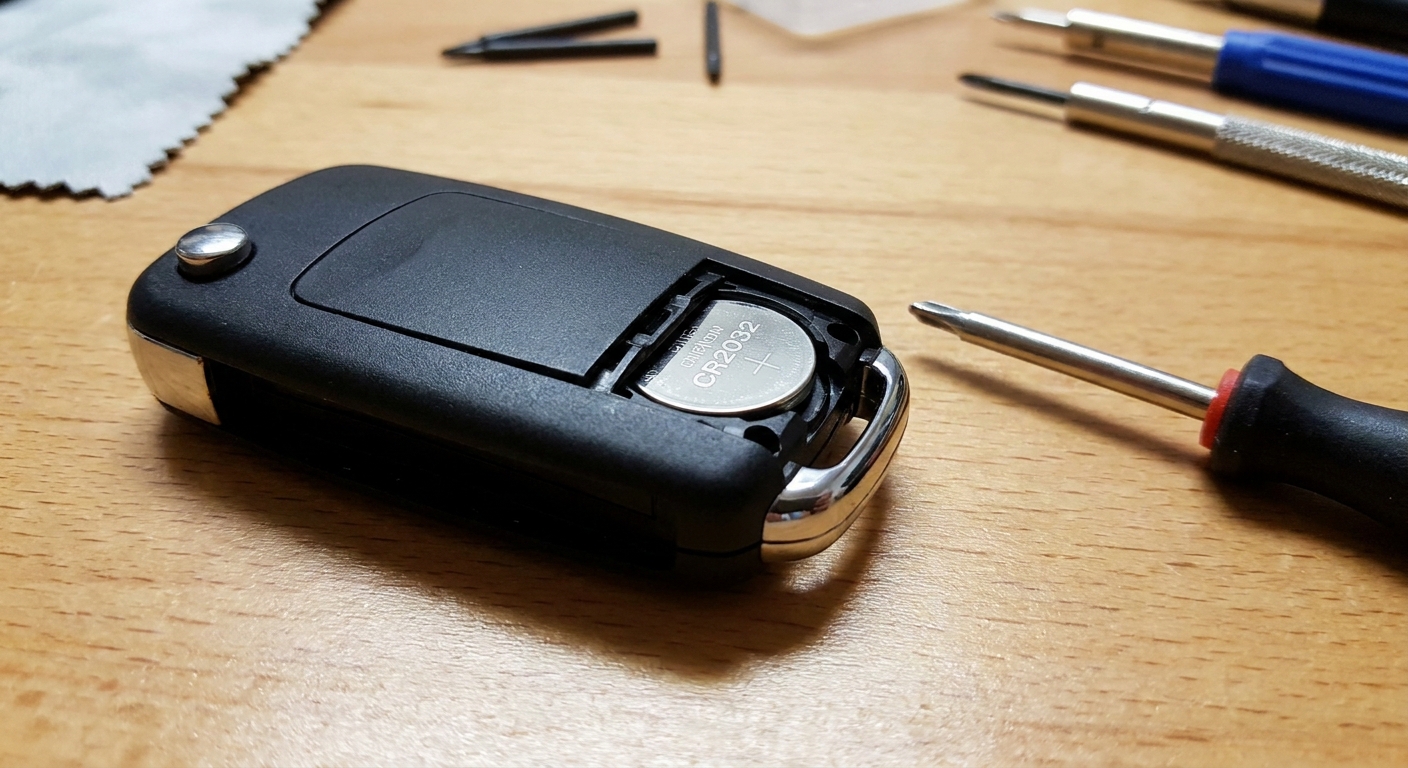
- Fresh fob battery (if applicable): a weak coin cell can prevent the car from “seeing” the fob during pairing.
- All fobs you want to keep using: some cars erase and relearn remotes during programming, so you may need to program all of them in the same session.
- Your owner’s manual (or the OEM procedure): sequences vary wildly and the wrong steps waste time. On vehicles that support DIY remote programming, the manual may list the steps. On many newer cars, it will not.
Method 1: On-board programming
Some vehicles allow an “on-board” procedure, meaning you can teach the car a fob without any scan tool. This is more common on older models and on vehicles where you are only programming the remote lock and unlock portion.
Common patterns
I am not going to pretend there is one universal sequence, because there is not. But most on-board routines fall into a few patterns:
- Key cycling: turning the key from OFF to ON a certain number of times to enter programming mode.
- Door switch choreography: opening and closing the driver door while turning the key or pressing lock.
- Button holds: holding LOCK and UNLOCK together for a set time, then pressing a single button.
- Ignition on, then button presses: on some vehicles this teaches remote functions only, not the immobilizer.
If your car supports an on-board method, the owner’s manual may describe it in the “Keys and Doors” or “Locks” section. Some manuals only cover adding remotes, not adding keys for the immobilizer.
What success looks like
Most cars confirm programming mode with one of these signals:
- door locks cycle
- chime sounds
- hazards flash
If you never get a confirmation signal, stop and troubleshoot the basics: correct fob part number, vehicle battery voltage, and whether the car even supports on-board programming.
Method 2: Scan tool programming
For many late-model vehicles, especially anything with a smart key and immobilizer handshake, programming requires a scan tool that can access the body control module and immobilizer functions.
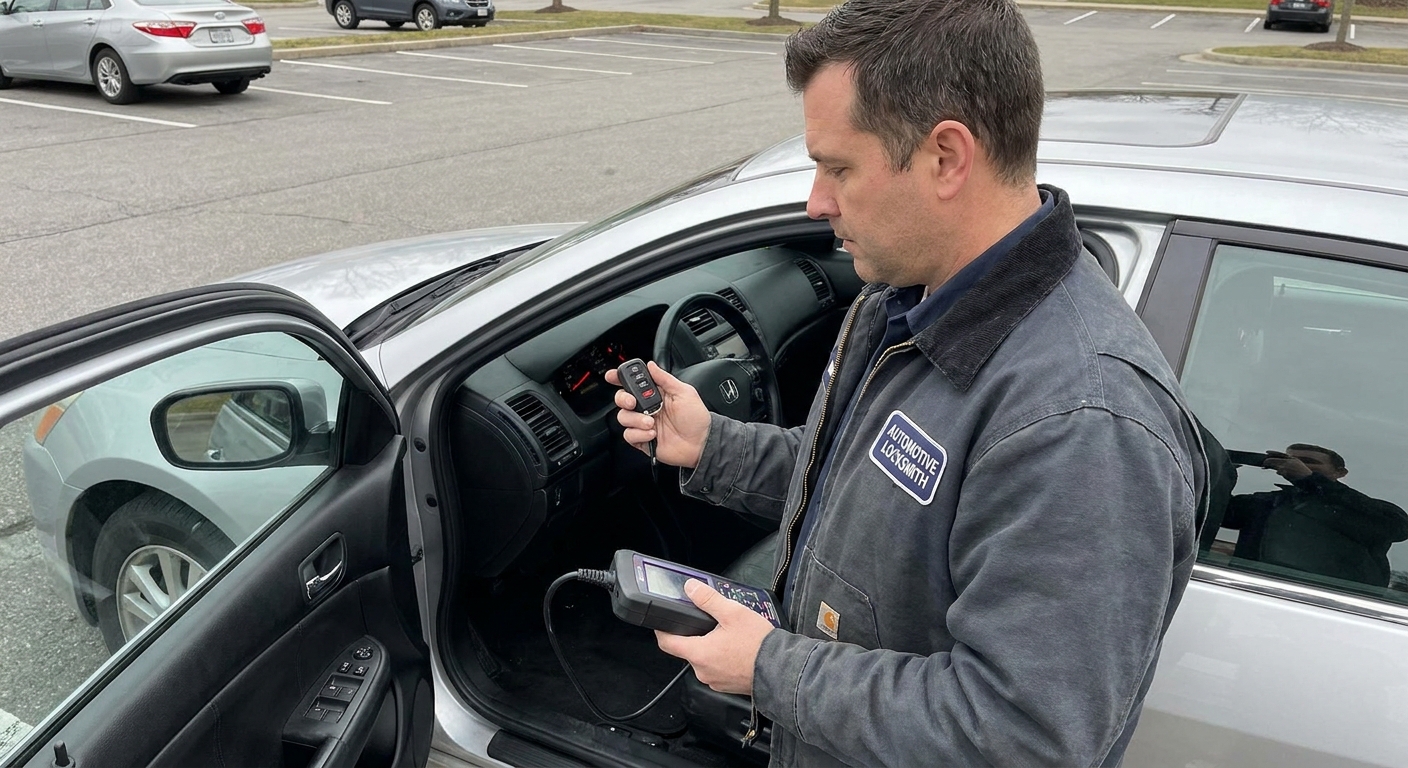
This is where a good automotive locksmith often shines. They can usually:
- cut the emergency key blade (if your fob has one)
- register the transponder or smart key to the immobilizer
- program remote and proximity functions
Dealers do the same type of work, but often at a higher cost. On some brands, dealer-level access is required because of security gateways, online authorization, or module protection.
One more reality check: expect to show proof of ownership and ID for key and immobilizer work. That is normal. Any reputable shop should be careful about who they make keys for.
Why DIY programmers can fail
Those universal handheld programmers can be hit or miss. Modern vehicles may block unauthorized access, require a stable internet-linked security session, or need a brand-specific tool. If you have a newer vehicle and the device promises “all makes all models,” go in with realistic expectations.
Used fobs and “blank” fobs
This is the part I wish every driver heard before buying a bargain fob online.
Used fobs can be locked
Many smart keys and transponders are “married” to the first car they are programmed to. Some can be reset, many cannot, and some sellers will claim they are reusable when they are effectively not for your application.
Even if a used fob looks identical and has the same FCC ID, it may still be impossible to register to your immobilizer.
Aftermarket “blank” fobs vary
Aftermarket shells and boards range from excellent to junk. Common issues include:
- weak transmitter range
- inconsistent proximity detection
- wrong board revision for your build date
- buttons work, but immobilizer registration fails
If your vehicle uses a smart key system, I generally recommend OEM or OEM-equivalent from a reputable source, then have it programmed by a locksmith or dealer who can verify compatibility before they begin.
Before you buy a fob online
- Match the identifiers: FCC ID and part number from your original fob are the best starting point.
- Confirm frequency and region: identical-looking fobs can transmit on different frequencies depending on market.
- Ask whether it is virgin or unlocked: especially on smart keys, “used” can mean “not reusable.”
Why programming fails
1) The car battery is low
Low voltage causes weird module behavior. You can have enough power for lights and radio but not enough stability for immobilizer programming. Put the car on a charger and try again. If the battery is near the end of its life, replacing it can save you hours of false “key fob” diagnosis.
2) The fob battery is weak or installed wrong
Coin cells can be dead right out of the package, and it is easy to bend contact tabs when swapping batteries. If the car struggles to detect the fob unless it is pressed against the start button, suspect the fob battery or internal contacts.
3) Wrong fob frequency or part number
Two fobs can look identical and still be incompatible. Frequency, FCC ID, IC ID, and internal board version all matter. If you are sourcing your own fob, match the identifiers from your original fob whenever possible.
4) You are missing a required working key
Many vehicles allow you to add a key only if you already have one or two working keys. If you have zero working keys, the procedure changes and usually requires a locksmith or dealer with security access.
5) The vehicle is not actually in programming mode
If the procedure includes door-ajar steps, lock switch steps, or timing windows, being off by a second or skipping a step can keep the car from entering learn mode.
Driveway plan
If you want the most practical, low-risk approach, here is the order I would follow at home:
- Verify the replacement fob matches your original identifiers (FCC ID and part number are usually the best clues).
- Charge the vehicle battery for at least 30 to 60 minutes, or connect a maintainer while you work.
- Install a fresh coin cell in the replacement fob, even if it is “new.”
- Check your owner’s manual for an on-board programming procedure (if your car supports one, it may be listed there).
- Try on-board programming only if your manual supports it, and keep all other fobs present.
- If buttons program but the car will not start, stop. You are likely dealing with immobilizer registration, not remote programming.
- Call an automotive locksmith with your VIN and ask if they can program a key for your year and model, and whether your fob is compatible.
When to call a pro
- You have a push-button start and no working fobs.
- The immobilizer or security light is on or flashing and you have a crank and no-start or a no-crank.
- You bought a used fob and are unsure if it is reusable.
- Your model is known for security gateway lockouts that block generic scan tools.
- All keys were lost and you need a new key cut plus immobilizer programming.
In these cases, DIY attempts often cost more in the end, especially if repeated failed tries trigger a security delay or timeout on some vehicles.
FAQ
Can I program a key fob myself without the original?
Sometimes for basic remote lock and unlock, yes. For immobilizer or smart key pairing, often no. Many vehicles require at least one already-registered key to add another, and “all keys lost” situations typically require a locksmith or dealer procedure.
Will a replacement fob start the car if it only programs the buttons?
Not necessarily. Button programming and immobilizer authorization are separate on many vehicles. If the immobilizer is not programmed, the car may crank and stall, or not crank at all depending on the system.
Why does my car say “Key Not Detected” even with a new fob?
Most common causes are a weak fob battery, a fob that is not compatible with your vehicle, or a fob that has not been registered to the car’s smart key system. Low vehicle battery voltage can also cause detection issues.
Can a locksmith program an aftermarket fob?
Often yes, but not always. A good locksmith will tell you up front whether they will program customer-supplied fobs and whether they can verify compatibility before charging you for a full programming attempt.
Does disconnecting the car battery reset the key programming?
Typically no. Key registration is stored in non-volatile memory. Disconnecting the battery may reset some modules or clear temporary glitches, but it does not usually erase or relearn immobilizer keys.
One shop-floor tip
If you are chasing a no-start with working lights and radio, do not let that distract you. The immobilizer can block starting even when everything “seems powered up.” Start with the basics: stable vehicle voltage, correct fob, and the right programming method for your specific model. When in doubt, a mobile automotive locksmith with the right tools can save you a lot of trial and error.