Buying a used EV can be one of the best values in the car world right now, but it is also the one place you cannot afford to “assume it is fine.” On a gas car, a pre-purchase inspection is about leaks, noises, and service records. On an EV, the big money question is battery health , and the second-biggest is software: updates, features, charging behavior, and whether everything works the way it should.
I put together this checklist the same way I would walk a friend through a used EV at a dealership lot: start with the paperwork, verify the battery with real numbers, test charging, then spend more time than you think you need to inside the cabin poking at menus and functions.
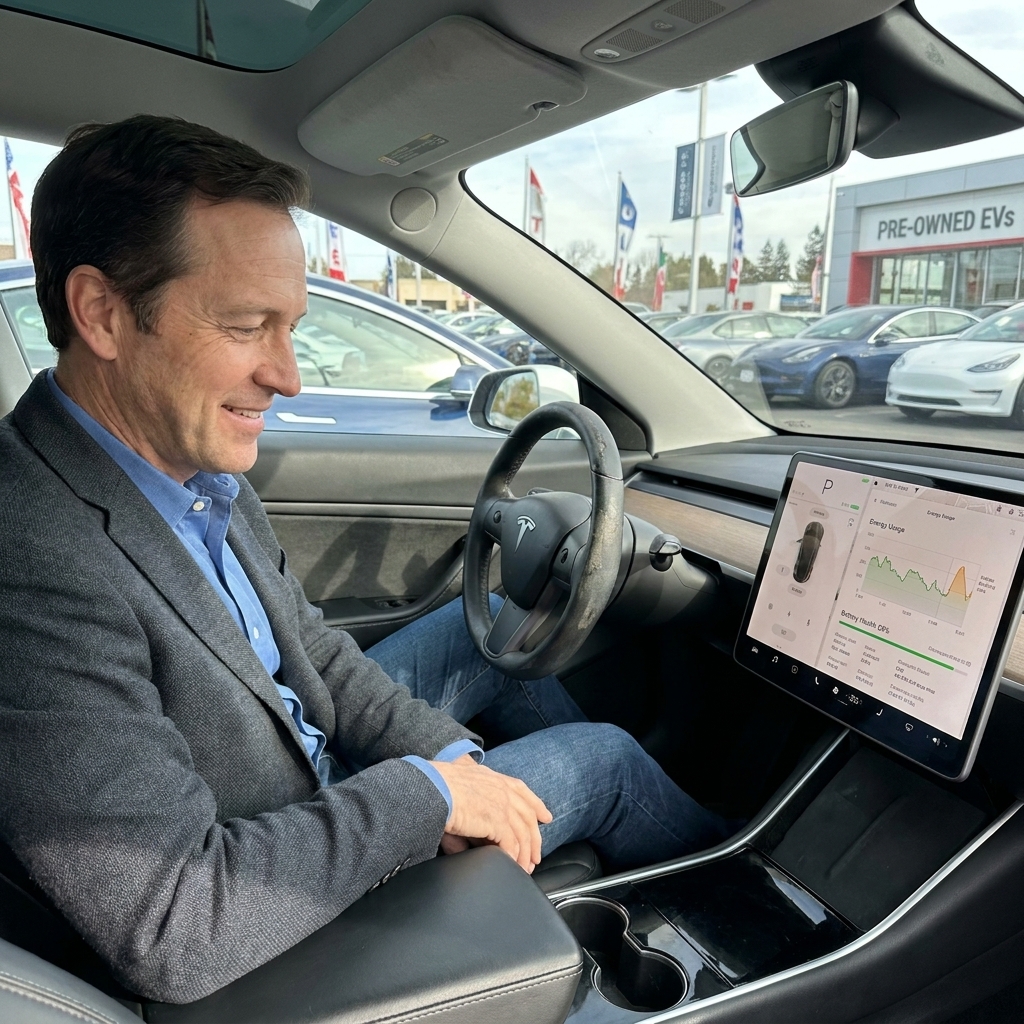
Before you go: what to bring and what to ask for
Bring
- Your phone with the manufacturer app installed (if available) and a charger cable.
- An OBD-II Bluetooth adapter (on-board diagnostics) that supports your target brand and an app that can read EV battery data (only if you are comfortable using it).
- A notepad or a notes app with this checklist.
- Time: plan for at least 60 to 90 minutes, longer if you can do a charging test.
Ask the seller to have ready
- Full VIN (so you can check warranty and recalls before you arrive).
- Charging equipment: portable EVSE (charging cable and brick), adapters, and any included cables.
- Service history and any battery related paperwork.
- All keys and fobs, plus key cards if the car uses them.
- Access to the owner account transfer process (critical on some brands).
If the seller gets cagey about the VIN, warranty coverage, or account transfer, that is your first red flag.
Step 1: Confirm battery warranty and eligibility
Before you talk yourself into a car, confirm what coverage is left. Most EVs have a separate high-voltage battery warranty with a mileage and time limit. Many (but not all) also include a minimum battery capacity guarantee within that period, and the details vary widely by manufacturer, region, and model year.
What to do
- Run the VIN through the manufacturer site (or call a dealer) to check remaining warranty and open campaigns.
- Ask whether the car has a branded title (salvage, rebuilt, flood). Some manufacturers restrict high-voltage warranty coverage on branded titles, and policies vary, so verify the specific manufacturer rules in writing.
- Know the extra branded-title risks: depending on the brand and status, salvage vehicles can also lose access to DC fast charging networks (example: Tesla Supercharging), software updates, or app features until an inspection or recertification is completed, if it is allowed at all.
- Verify in-service date (the date the warranty clock started), not just model year.
- Confirm battery capacity coverage language for that exact model and year. Many brands warranty capacity down to roughly 70 percent within the warranty window, but some do not specify a percentage at all. Do not assume.
Tip from the shop floor: a used EV can look perfect and still be a bad buy if the battery warranty is about to expire and the car is already showing noticeable degradation. Pricing should reflect that risk.
Step 2: Battery health checks you can do on the spot
You are trying to answer two questions: how much usable capacity is left, and whether the pack is behaving normally (no weird swings, error messages, or thermal issues).
2A. Start with the basics: range, percent, and recent driving
- Note the state of charge (percent) and the displayed estimated range.
- Check the energy consumption history if the car provides it. A car that was driven hard at highway speeds in cold weather can show lower “guess-o-meter” range that is not true degradation.
- Look for warnings: battery, charging, propulsion power reduced, thermal system alerts.
2B. Look for a battery health or capacity screen
Some EVs expose battery health information in the vehicle menus or through service screens. If the car shows a “battery health,” “SOH” (state of health), or usable capacity value, document it with a photo.
Quick caution: if you enter any service or diagnostic mode, treat it as read-only. Do not change settings, run tests you do not understand, or clear codes. If you are unsure, skip it and focus on the charging test and a professional inspection.
Rule of thumb: mild degradation is normal. What you are watching for is unusually low capacity for the age and mileage, or a seller who refuses reasonable verification.
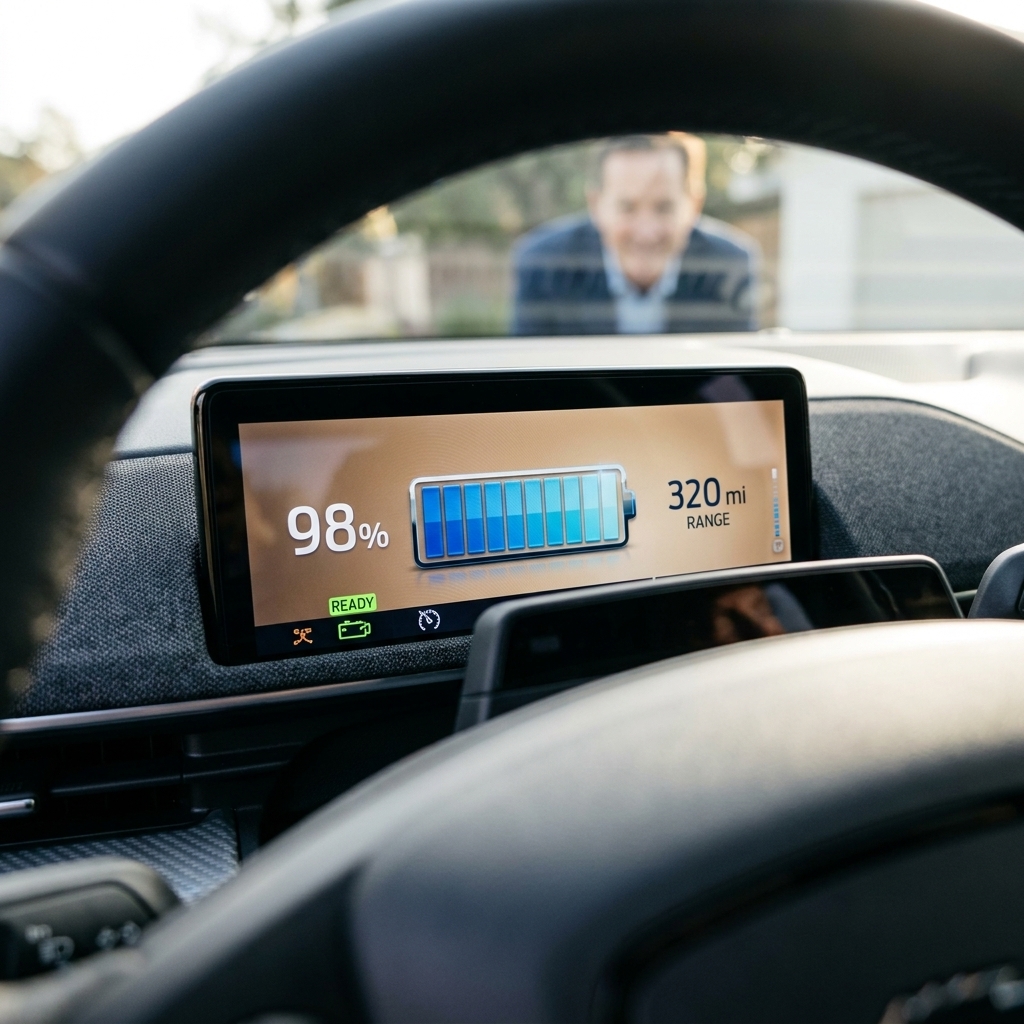
Step 3: The most important test drive move: watch percent drop, not miles
On a used EV test drive, ignore the fluctuating range estimate and focus on state of charge percentage. Drive a consistent loop if you can: some city, some 50 to 70 mph, and a few moderate accelerations.
What you want to see
- Smooth, predictable percent usage that matches driving conditions.
- No repeated or unexplained sudden drops of several percent at once during steady driving.
- Normal power delivery with no “limited power” messages.
What feels off
- Big swings in percent that repeat and do not match speed, terrain, or temperature.
- Hard limits on acceleration when the battery is not low and temperatures are mild.
- Fans blasting constantly or unusual smells after the drive (thermal management working overtime can hint at underlying issues).
One nuance: you can see small SoC changes after a car sits, warms up, cools down, or after the battery management system (BMS) recalibrates. That is normal sometimes. What you do not want is a pattern of abrupt drops under consistent conditions.
Ask the seller if the car was recently fast charged repeatedly, used for rideshare, or stored at very high state of charge for long periods. None of those are automatic deal-breakers, but they do change how I interpret battery wear.
Step 4: Charging checks (where problems hide)
If you can only do one “advanced” test, do this one. Charging behavior tells you a lot about battery health, temperature control, and whether the car has any charging-related faults.
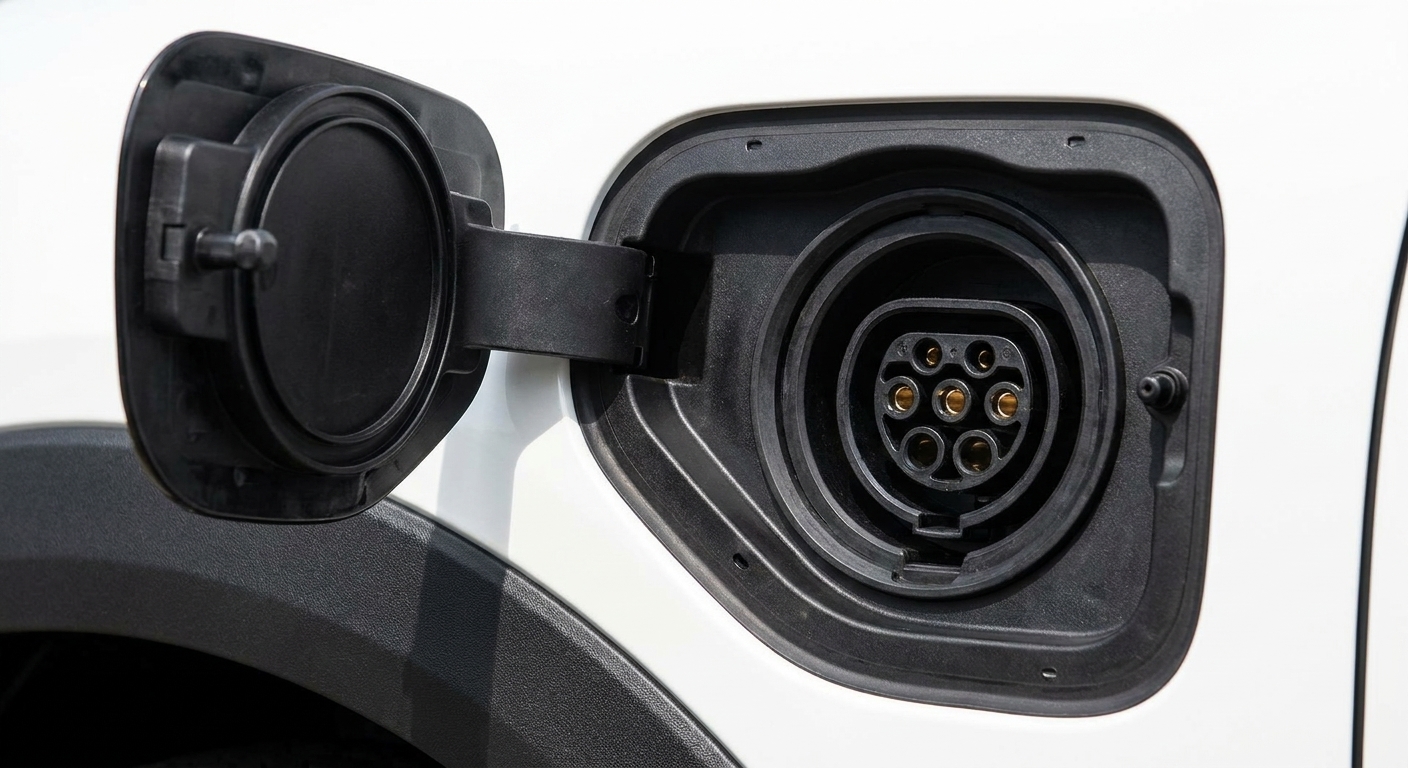
4A. Inspect the charge port and equipment
- Open and close the charge door several times. It should latch cleanly.
- Inspect pins and seals: no corrosion, bent pins, burned marks, or water intrusion.
- Verify included equipment actually works and matches the outlet types you plan to use.
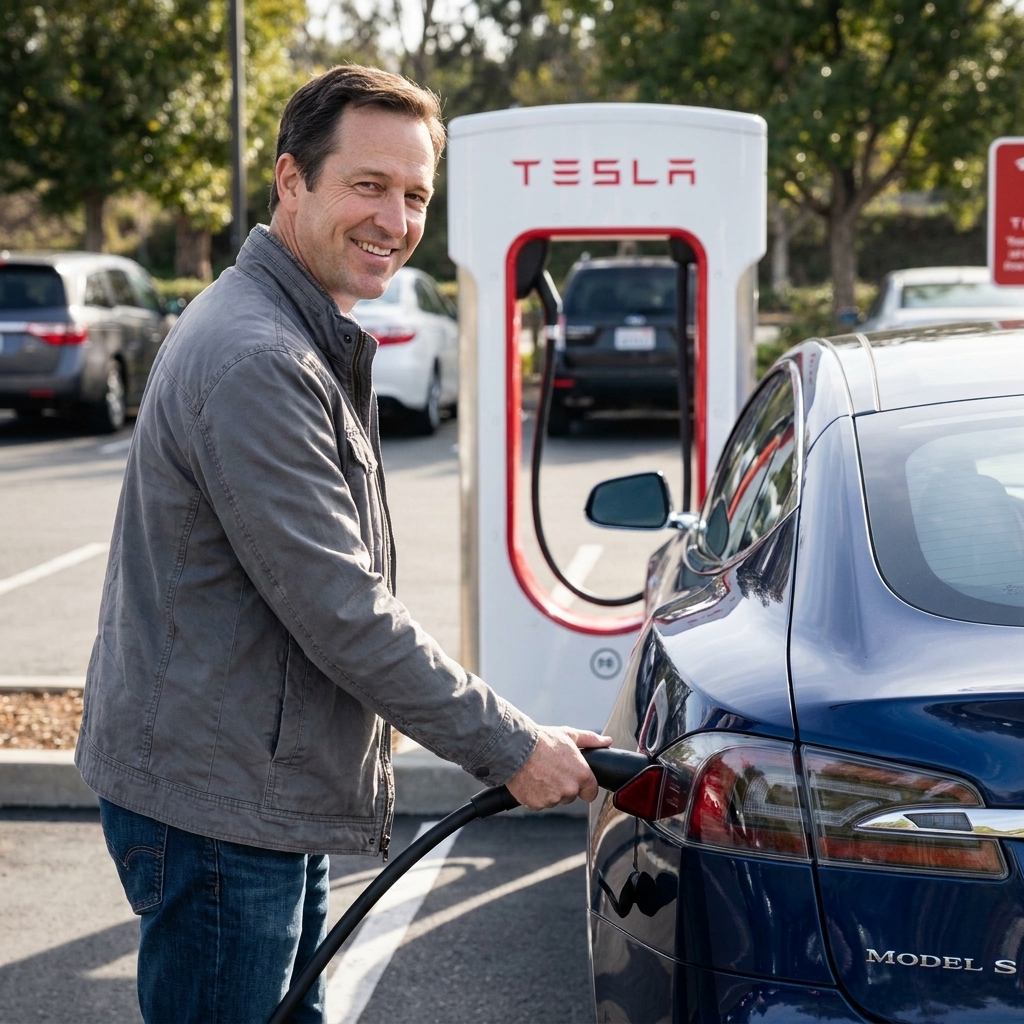
- Confirm connector type for your region and routine: J1772, NACS (Tesla-style), and CCS (fast charging) compatibility matters, and adapters are not all equal. Make sure you understand what you will use at home and on trips.
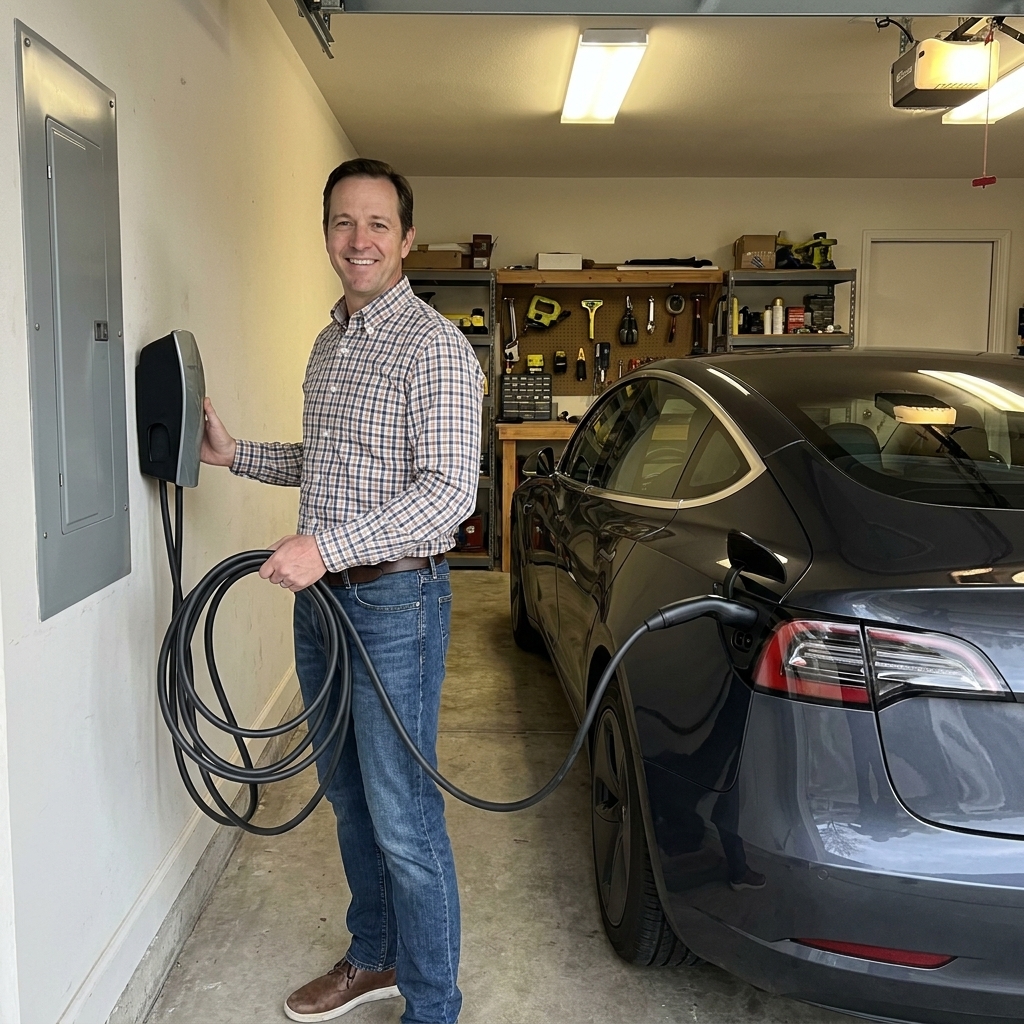
4B. Level 2 test (ideal)
Plug into a Level 2 station and watch for:
- Immediate handshake and stable charging without repeated start-stop cycles.
- Reasonable charge rate based on the car’s onboard charger rating and the station output. Example: many EVs charge around 7.2 kW or 11 kW on Level 2, but some cars and some stations are limited below that.
- No error lights on the station or in the car.
4C. DC fast charging test (best, if practical)
A short fast-charge session can reveal throttling, thermal issues, and communication problems. You are not trying to fill the battery. You are looking for stable power that ramps as expected for the battery’s state of charge and temperature.
- Start the session with the battery at a lower-to-mid state of charge if possible (often roughly 10 to 60 percent, depending on the model). Many cars peak somewhere around 10 to 30 percent, then taper.
- Watch the initial kW and whether it holds reasonably steady before tapering.
- Listen and observe: cooling systems may ramp up, but the car should not throw faults.
Heads up: some cars intentionally limit fast charging when the battery is cold, very hot, or near full. That is normal. What is not normal is repeated failure to initiate, frequent interruptions, or the car refusing fast charging without a clear explanation.
If the car supports battery preconditioning for fast charging, confirm it works (or at least confirm the setting exists). A car that cannot properly warm or cool the pack can feel “slow to charge” even when nothing is technically broken.
Step 5: Software and infotainment checks (do not skip this)
Modern EVs are rolling computers. A clean Carfax does not help you if the car cannot update, the app cannot connect, or key features are locked behind an account you cannot access.
5A. Confirm the car can be updated
- Check current software version and last update date in settings.
- Connect to Wi-Fi (hotspot works fine) and confirm it can see networks.
- Look for update errors, stuck downloads, or messages about needing service to update.
5B. Test the screen like you mean it
- Touch responsiveness: no dead zones, ghost touches, or laggy scrolling.
- Backup camera: clear image, no intermittent black screen, quick load time.
- Audio: test FM/AM (if equipped), Bluetooth, USB, and navigation prompts. Note: some EVs drop AM radio due to electrical interference, so missing AM is not always a fault.
- Climate controls: make sure heat and A/C work from the screen and physical buttons if present. Heat issues can be expensive on some EVs.

5C. App, account, and key pairing
This is the part that surprises first-time used EV buyers. Many EV features depend on the manufacturer account: remote preconditioning, charging scheduling, lock control, location, sometimes even paid options.
- Ask if the vehicle is still linked to a previous owner account and how it will be released.
- Verify you can add the car to your account (or at minimum confirm the official transfer process in writing).
- Test all keys and any phone-as-a-key function.
If the seller cannot demonstrate a clean account transfer path, treat that like a title problem. It can become a months-long headache.
Step 6: Driver assistance, sensors, and safety tech
Even base-model EVs often have multiple cameras and other sensors (radar and ultrasonics vary by model year and trim). Small bumper damage, a windshield replacement, or a bad calibration can turn into warning lights and disabled features.
Quick checks
- Dash warnings: no ADAS (driver-assistance) faults, camera blocked messages, or persistent alerts.
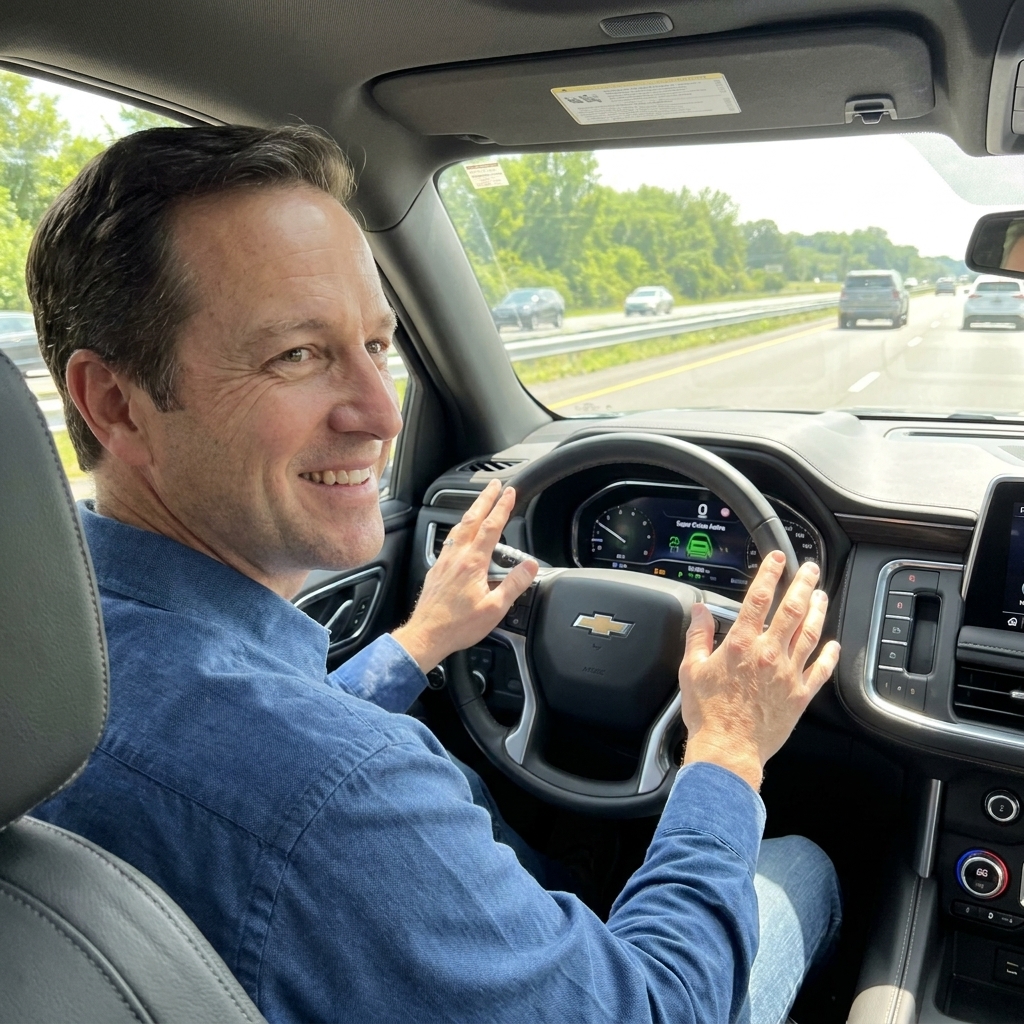
- Adaptive cruise: engages smoothly and holds distance.
- Lane assist: detects lane lines and provides consistent steering input if the system is designed to.
- Parking sensors: no constant false beeping (if equipped).
Pro tip: if the windshield was replaced, ask who did it. Some vehicles require camera recalibration afterward.
Step 7: Physical inspection items EV buyers overlook
Yes, you still need to look at “normal car” stuff. Tires, brakes, and suspension wear can add up fast. But EVs have a few unique angles.
Undercarriage and battery area
- Look underneath for damage to battery trays, missing fasteners, or crushed pinch welds.
- Check for scrapes that look deeper than cosmetic. A hard bottom-out can damage pack protection.
- Look for coolant clues: wet spots, crusty residue, or a sweet smell near the front or underbody can hint at a cooling system leak. Battery and power electronics cooling matters.
Tires tell a story
- Uneven wear can hint at alignment issues or worn suspension components.
- Mismatched tires can impact range and traction control behavior, and on some AWD systems it can cause driveline stress, especially if rolling circumference differs significantly. Follow the manufacturer guidance.
Brakes and regen feel
- Test low-speed braking for grinding or sticking. EV brakes can rust from lack of use.
- Confirm regen settings work and feel consistent.
Step 8: Paperwork that protects you
Get these in writing
- Remaining battery and drivetrain warranty details (time and mileage) plus any capacity guarantee wording, if applicable.
- Any promised charging equipment included in the sale.
- Confirmation of account transfer steps and timing.
- Proof of recall completion when applicable, especially for high-voltage battery or charging-related recalls. In some cases, recall remedies can change charging behavior or usable capacity, so you want documentation.
Consider a pre-purchase inspection (PPI)
PPI (pre-purchase inspection) is still worth it. Not every shop is comfortable with EVs, but more and more independent places are. A good EV-aware PPI can include a scan for stored codes, charging fault history, cooling system checks, and a closer underbody look.
Salvage and rebuilt reality check
If you are looking at a salvage or rebuilt EV, double-check insurance and financing before you fall in love. Many insurers and lenders limit coverage or decline altogether, and that can erase any “great deal” you thought you found.
Red flags that should make you pause
- Seller refuses a charging test or cannot demonstrate normal charging behavior.
- Battery or propulsion warnings that “just go away sometimes.”
- Repeated infotainment reboots, blank camera feed, or glitchy screen behavior.
- Account ownership problems, missing keys, or unclear feature ownership.
- Salvage or flood history with vague explanations about repairs, or unclear brand policy on charging and software access.
- Price is suspiciously low compared to similar cars, especially if warranty is near the end.
If you remember only one thing: a used EV is only as good as its battery and its ability to charge reliably. Everything else is secondary.
Quick used EV checklist (copy and paste)
- VIN check: warranty remaining, in-service date, recalls, title status
- Record these numbers: start SoC, end SoC, miles driven, outside temp, any warnings
- Battery: no warnings, battery health/SOH if available, stable % drop on drive
- Charging: port condition, Level 2 test (kW), fast-charge test if possible (peak kW, any errors)
- Software: version and update ability, Wi-Fi works, no update errors
- Infotainment: touchscreen, camera, navigation, audio, climate functions
- App/account: transferable ownership, keys and phone key pairing
- ADAS: adaptive cruise, lane assist, sensor health
- Physical: tires even, brakes smooth, underbody and battery area clean, no coolant leak signs
FAQ
What is “normal” battery degradation on a used EV?
It varies by model, climate, charging habits, and mileage. In general, you expect some loss over time, but it should be gradual. The key is comparing the car’s condition to its age and miles, and verifying it behaves consistently during driving and charging. If the remaining battery warranty is short, be extra strict.
Can I trust the range estimate on the dashboard?
Not by itself. The estimated range is influenced by recent driving efficiency, temperature, and HVAC use. For a test drive, track the percentage used over a known distance and pay attention to any repeated or unexplained sudden drops or warnings.
Do I need an OBD scan to buy a used EV?
Not always, but it can help if you know what you are looking at and have a trusted app for that brand. For most buyers, the best value is a charging test plus confirming warranty and account transfer.
Why does account transfer matter so much?
Because remote features, paid options, and sometimes even access to certain settings can be tied to the manufacturer account. If the previous owner does not properly release the vehicle, you can end up with a car you cannot fully use.
If you want, tell me the exact EV you are shopping for and the model year. I can point out the common battery, charging, and software gotchas for that specific car so you know what to focus on during the inspection.